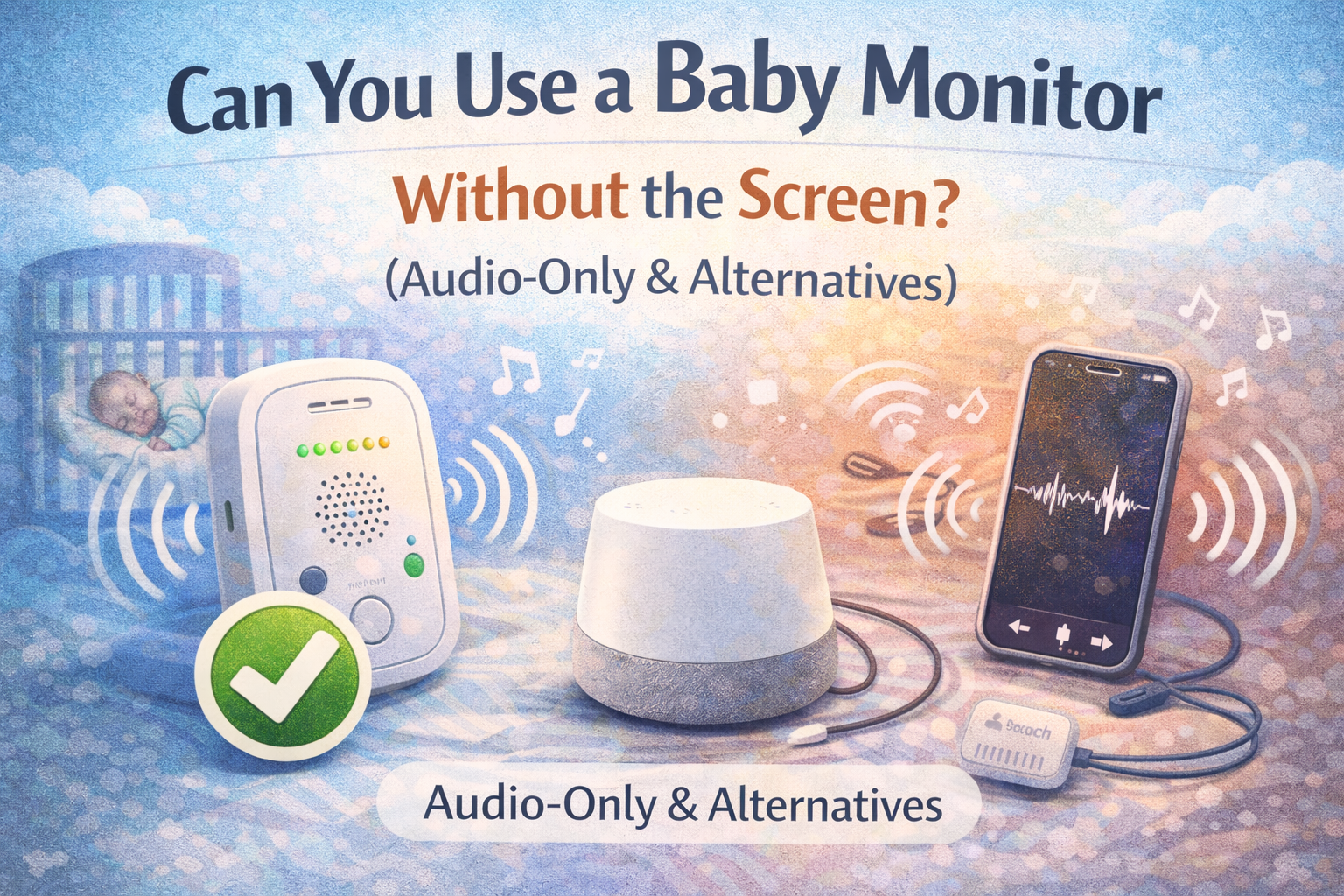
Can You Use a Baby Monitor Without the Screen? (Audio-Only & Alternatives)
Use a baby monitor without the screen is something many parents consider after realizing they mostly listen for crying and only occasionally glance at the video. Some even turn the screen off on purpose to save battery or reduce distractions. The question is not whether it’s possible. It’s whether it makes sense for your situation.
Let’s look at when audio-only monitoring works well, when it doesn’t, and what realistic alternatives exist.
The Short Answer
Yes, you can often use a baby monitor without the screen.
But:
- Sometimes it’s perfectly fine
- Sometimes it means you’ll miss useful context
- It depends on:
- Your baby’s age
- Your home layout
- What kind of situations you want to notice
What Audio-Only Monitoring Actually Gives You
With audio-only monitoring, you can:
- Hear:
- Crying
- Fussing
- Loud movement
- Notice:
- When your baby wakes up
- When something changes suddenly
What you can’t see:
- Whether your baby is:
- Just shifting in sleep
- Or actually waking up
- Whether:
- A blanket moved
- The baby rolled into an odd position
- The baby is sitting or standing
Audio tells you that something is happening.
Video tells you what is happening.
When Using a Baby Monitor Without the Screen Works Well
Audio-only monitoring usually works fine if:
- Your baby:
- Is a bit older
- And has a predictable sleep pattern
- You mainly want to:
- Know when they wake up or cry
- Your home:
- Is small or quiet
- And you can reach the baby quickly
In these situations:
- The screen often adds convenience
- But it’s not strictly necessary
When Video Actually Helps a Lot
The screen becomes much more useful if:
- Your baby:
- Is a newborn
- Or is in a phase of rolling, sitting, or standing
- You want to:
- Check whether the baby is really awake
- Or just making noise in their sleep
- You’re trying to:
- Avoid unnecessary room entries that might wake the baby
Many parents find that:
Video reduces false alarms and unnecessary check-ins.
A Very Common Real-Life Scenario
You hear noise through the audio monitor.
Without video:
- You often go check “just in case”
With video:
- You might see:
- The baby moved a bit
- Then settled again
- And you don’t need to open the door
That alone can be the difference between:
- A baby continuing to sleep
- And a baby waking up fully
Is an Audio-Only Baby Monitor Enough?
For some families, yes.
Audio-only monitors:
- Are:
- Simple
- Cheap
- Very reliable
- And:
- Use very little battery
- Rarely have connection issues
They are often enough if:
- You only care about hearing crying
- And don’t need visual context
What About Turning the Screen Off on a Video Monitor?
This is actually very common.
Many parents:
- Use a video monitor
- But:
- Keep the screen off most of the time
- And only turn it on when they hear something
This gives you:
- The battery savings and simplicity of audio
- With:
- The option to check video when you want
Phone Apps as a “No Screen” Alternative
Some parents try:
- Using:
- An old phone as a camera
- And another phone as the receiver
- Or:
- Running a baby monitor app in the background
This can work, but:
- It depends on:
- WiFi quality
- App stability
- It:
- Drains batteries quickly
- Can stop working silently in the background
For occasional naps, it’s fine.
For overnight monitoring, it’s often less reliable.
WiFi vs Non-WiFi Monitors in This Context
If you mostly want:
- Reliable audio
- Simple operation
- No background app issues
Many parents prefer non-WiFi baby monitors because:
- They:
- Just work
- Don’t depend on phones
- Don’t depend on internet connections
You can still use:
- The audio most of the time
- And the screen only when needed
If you’re exploring that route, we cover it in detail here:
Best Baby Monitor Without WiFi
What You Might Miss Without Video
Using only audio means you might not notice:
- The baby:
- Sitting or standing silently
- Playing quietly in the crib
- Situations like:
- A pacifier falling out
- A blanket shifting
None of these are guaranteed problems.
But video gives you more context.
A Practical Way to Decide
Ask yourself:
- Do I mostly care about:
- Hearing crying?
- Or do I also want:
- To see what’s going on before I go in?
If it’s the first:
- Audio-only may be enough.
If it’s the second:
- You’ll probably appreciate having video available, even if you don’t use it all the time.
So, Can You Use a Baby Monitor Without the Screen?
Yes. Many parents do, most of the time.
But:
- The screen is not there just for show
- It’s there to give you context and confidence when something sounds different
The most flexible setup is:
A video monitor that you mostly use in audio mode.
Final Thoughts
You don’t need to stare at a baby monitor screen all night. Most parents don’t.
But having the option to quickly check the video when something sounds off can:
- Save you unnecessary trips
- Prevent accidental wake-ups
- And give you peace of mind
It’s not about watching.
It’s about having the option.
Can you use a baby monitor without the screen?
Yes. Many parents use audio-only monitoring and turn the screen on only when they hear something.
Is an audio-only baby monitor enough?
For some families, yes, especially if they mainly want to hear crying and don’t need visual context.
Does turning off the screen save battery?
Yes. Keeping the screen off significantly extends the battery life of most video monitors.
Are phone apps a good alternative to a dedicated monitor?
They can work, but are usually less reliable overnight and depend heavily on WiFi and app stability.