Why Do Baby Monitors Lag? Causes, Fixes, and When It Matters
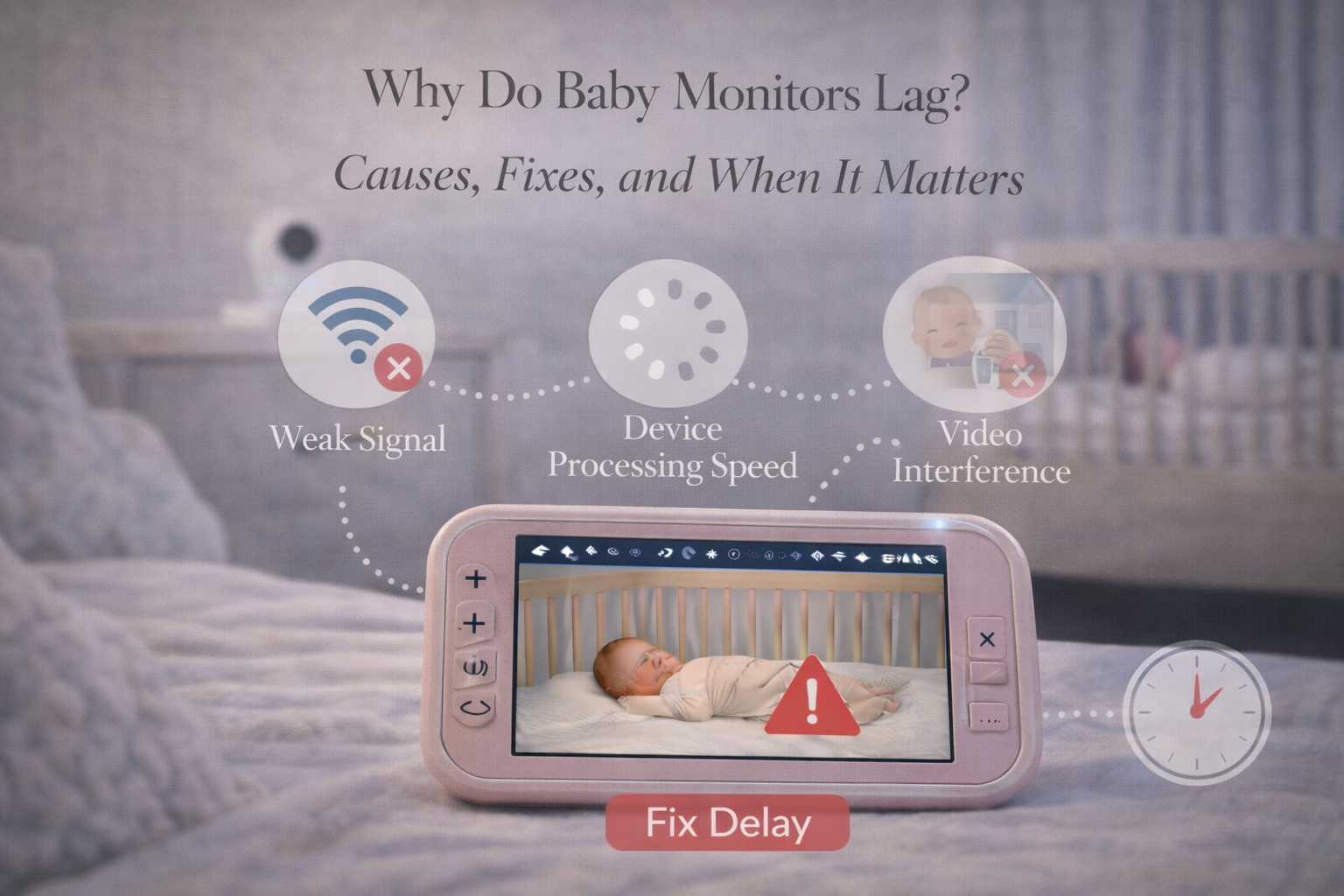
Why do baby monitors lag? Parents usually ask this question after experiencing a moment that feels unsettling: the video freezes, the audio cuts out, or the monitor is clearly “behind” what’s happening in real time.
Lag can make parents feel like they’re not truly monitoring their baby they’re watching a delayed version of reality. And in the newborn stage, that can quickly turn into anxiety.
Sometimes lag is minor and harmless. Other times it signals a deeper issue with WiFi strength, interference, or the monitor’s hardware.
This article explains why baby monitors lag, which monitor types are most vulnerable, how to troubleshoot it, and when lag becomes a real reliability problem.
What Parents Mean by “Lag”
Lag usually includes one of these experiences:
- video is delayed by 1–3 seconds
- audio is delayed
- video freezes and then catches up
- the feed becomes blurry or pixelated
- the monitor disconnects temporarily
- notifications arrive late
Lag can happen occasionally, or it can become constant.
If lag happens once a week, it may be normal. If lag happens every night, it becomes a real quality-of-life issue.
Why Do Baby Monitors Lag?
There are several common reasons.

Weak WiFi Signal (Most Common for WiFi Monitors)
If your baby monitor uses WiFi, lag is often caused by poor signal strength in the nursery.
Nurseries are sometimes located:
- upstairs
- behind thick walls
- far from the router
- near plumbing or ductwork
- in a corner of the home
Even if your WiFi feels fine in the living room, the nursery may be a weak zone.
WiFi cameras need stable upload speed. If the camera struggles to upload video data, the app will buffer and lag.
Network Congestion
WiFi monitors share your network with everything else:
- streaming TV
- gaming consoles
- phones and tablets
- smart home devices
- laptops
- security cameras
When multiple devices are active, bandwidth gets crowded.
This can create buffering and lag, especially at night when families stream movies or video call relatives.
If you’ve noticed your monitor lags more during evenings, congestion is likely the cause.
Your related post Can Baby Monitors Interfere With WiFi or Other Devices? is a perfect internal link here, since it covers the reality of wireless congestion in modern homes.
Monitor Compression and Cloud Routing
Many WiFi monitors route video through cloud servers. Even if your phone is on the same WiFi network, the data may still travel through the internet before returning to your device.
This creates extra delay.
Some monitors have local streaming options that reduce lag, but not all.
Firmware Issues or Outdated Software
Lag can be caused by outdated firmware.
Some parents avoid updates because they worry something will break, but firmware updates often improve:
- video stability
- security
- WiFi performance
If lag becomes worse after months of stable use, updating firmware is worth trying.
Interference From Other Wireless Devices
Wireless interference is a real issue, especially in apartments.
Devices that can interfere include:
- Bluetooth speakers
- cordless phones
- microwaves
- routers on overlapping channels
- other baby monitors nearby
Interference doesn’t always cause full disconnection. Often, it creates micro interruptions that show up as lag.
This connects naturally with your post How Often Do Baby Monitors Lose Signal (And Why) because lag is often the early stage of signal instability.
Overheating or Hardware Limitations
Cheaper baby monitors may lag simply because the processor inside the camera can’t handle high-quality streaming smoothly.
If a monitor is overheating, it may slow down, freeze, or restart.
Overheating is more likely if the camera is:
- near a sunny window
- placed in a tight shelf
- covered by fabric or curtains
When Baby Monitor Lag Actually Matters
Not all lag is a safety issue.
If your baby is sleeping peacefully, a 1-second delay is mostly annoying, not dangerous.
But lag matters more when:
- your baby is a newborn waking frequently
- you rely on the monitor for early feeding cues
- your baby is sick or congested
- your baby is older and mobile
- you rely on motion or sound alerts
Lag also matters emotionally. If parents stop trusting the monitor, they stop sleeping well.
For newborn families, trust is everything.
If you’re in the early stage and building routines, Baby Sleep & Night Care: A Practical Guide for New Parents is a natural internal link because it helps parents create night routines that reduce stress, even when the monitor isn’t perfect.
Non-WiFi Monitors Lag Less (Usually)
Non-WiFi FHSS monitors often have less lag because they stream directly.
Parents often report that FHSS monitors feel “instant,” even if video quality is not as sharp as some WiFi models.
This is why many parents who prioritize reliability choose non-WiFi systems, which is exactly what your money page Best Baby Monitor Without WiFi is designed to address.
How to Fix Baby Monitor Lag
Parents can often improve lag quickly.
Improve WiFi coverage
Mesh WiFi is one of the best solutions for large homes.
Use 2.4 GHz network
2.4 GHz travels through walls better than 5 GHz.
Reduce video resolution
Lower resolution means less buffering.
Restart the router
It sounds simple, but it often works.
Move the camera slightly
Sometimes moving the camera 3 feet changes signal quality dramatically.
Reduce competing device usage
If the monitor lags during streaming TV, that’s a clue.
Final Thoughts
Baby monitor lag is common, especially with WiFi-based monitors, but it shouldn’t be constant. In most cases, lag is caused by weak WiFi, congestion, or interference rather than a broken monitor.
The key is understanding that “range” is not the same as “stability.” A monitor may technically connect, but still lag if the signal is weak.
A reliable monitor should help parents rest. If lag is stealing your confidence, it’s worth improving your network or switching to a simpler, more stable monitoring system.
FAQ
Why do baby monitors lag so much?
Lag is usually caused by weak WiFi signal, network congestion, buffering, or interference from other wireless devices.
Are WiFi baby monitors more likely to lag?
Yes. WiFi monitors often lag more because video streams through your network and sometimes through cloud servers.
How do I stop my baby monitor from freezing?
Improve WiFi strength, reduce streaming quality, restart the router, and move the camera away from interference sources.
Is baby monitor lag dangerous?
Minor lag is usually not dangerous, but severe lag or frequent freezing can reduce reliability and cause parents to miss early wake-up cues.
Do non-WiFi baby monitors lag less?
Yes. FHSS monitors often have faster real-time video and audio because they transmit directly to the parent unit.