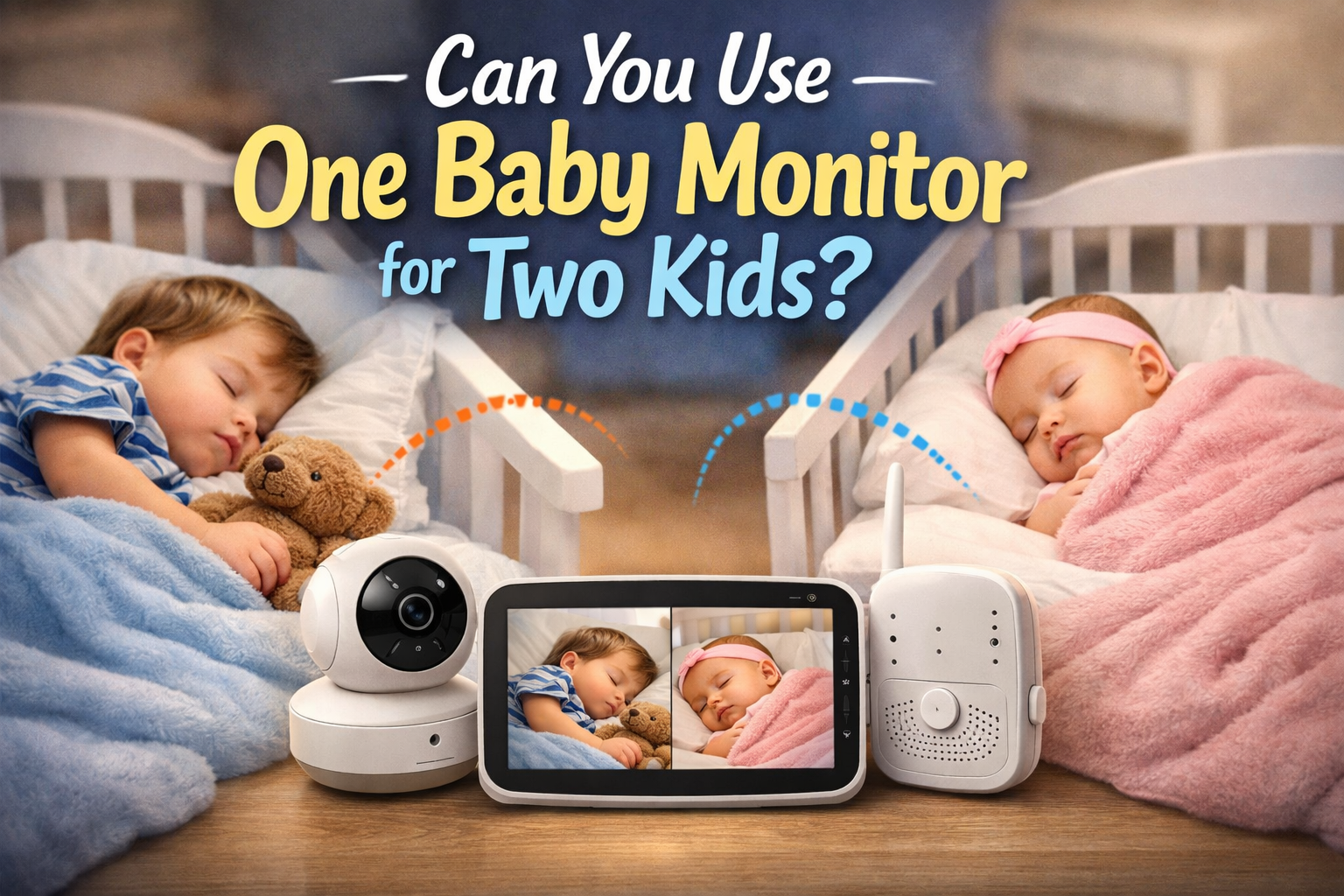
Can You Use One Baby Monitor for Two Kids?
Can you use one baby monitor for two kids is a question many parents start asking the moment the second baby arrives — or when a toddler moves into their own room. The short answer is: yes, sometimes. But whether it works well depends on your home, your kids’ ages, and the type of monitor you’re using.
Let’s break it down in a practical, no-nonsense way.
The Short Answer
You can use one baby monitor for two kids if:
- The monitor supports two cameras
- Or both kids sleep in the same room
- And the signal range covers both spaces reliably
Otherwise, you’ll likely run into blind spots, missed audio, or constant switching between views.
Can You Use One Baby Monitor for Two Kids in Different Rooms?
Yes — but only with a multi-camera baby monitor system.
Most modern non-WiFi and WiFi monitors allow:
- 2, 3, or even 4 cameras
- Split-screen or auto-switching view
- One parent unit showing multiple rooms
What does not work well:
- One single camera pointed at two rooms
- Moving one camera back and forth every night
- Relying only on audio for two separate rooms
When One Baby Monitor Works Perfectly
Using one monitor for two kids usually works well if:
- Both kids are:
- Newborn + infant
- Or infant + toddler
- Bedrooms are:
- Close together
- On the same floor
- The monitor has:
- Good range
- Stable signal
- Dual camera support
When It’s a Bad Idea
One monitor setup becomes risky if:
- Rooms are far apart or on different floors
- One child is a newborn and needs closer monitoring
- The monitor:
- Has weak signal
- No split screen
- Slow switching between cameras
In those cases, you may miss:
- Crying
- Movement
- Or important sounds
Audio vs Video Monitoring for Two Kids
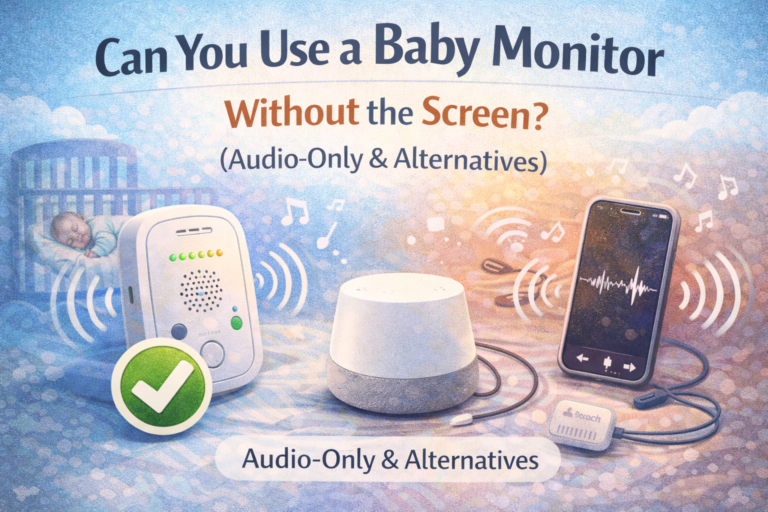
Audio-only:
- Hard to tell which child is making noise
- Easy to get confused at night
Video:
- You instantly see which child needs you
- Much less stress and guesswork
For two kids, video is strongly recommended.
Can You Use One Non-WiFi Monitor for Two Kids?
Yes — many non-WiFi baby monitors support multiple cameras and are actually more reliable and more private.
They:
- Don’t rely on home internet
- Don’t lag
- Don’t risk account or app issues
This is one reason many parents prefer non-WiFi models. You can see our full guide here:
👉 Best Baby Monitor Without WiFi
What Features You Need for Two Kids
If you want one monitor for two children, look for:
- Multi-camera support (at least 2)
- Split screen or fast auto-switch
- Good night vision
- Strong signal range
- Separate audio indicators per camera
Real-Life Setup Examples
Newborn + Toddler
- Two cameras
- One parent unit
- Works very well
Two toddlers
- Works if they’re in nearby rooms
- Less critical but still useful
Twins in same room
- One camera can work, but:
- Two cameras give better angles and peace of mind
Common Mistakes Parents Make
- Buying a single-camera-only system
- Assuming one wide-angle camera is enough
- Ignoring signal range limits
- Using audio-only monitoring for two rooms
So, Is One Baby Monitor Enough for Two Kids?
Yes – if the system is designed for it.
If not, it usually turns into:
- Frustration
- Missed alerts
- And unnecessary stress
Final Advice
If you’re planning for two kids, it’s smarter to:
- Buy a monitor that supports at least two cameras
- Even if you only use one at first
That way, you’re future-proof and don’t have to replace the whole system later.
Can you use one baby monitor for two kids?
Yes, if the monitor supports multiple cameras or both kids are in the same room.
Do you need two cameras for two kids?
In most cases, yes — especially if they sleep in different rooms.
Can one baby monitor cover two rooms?
Only if it’s a multi-camera system or has reliable split-screen or switching.
Is it better to have separate monitors?
Usually no. One good multi-camera system is simpler and easier to manage.