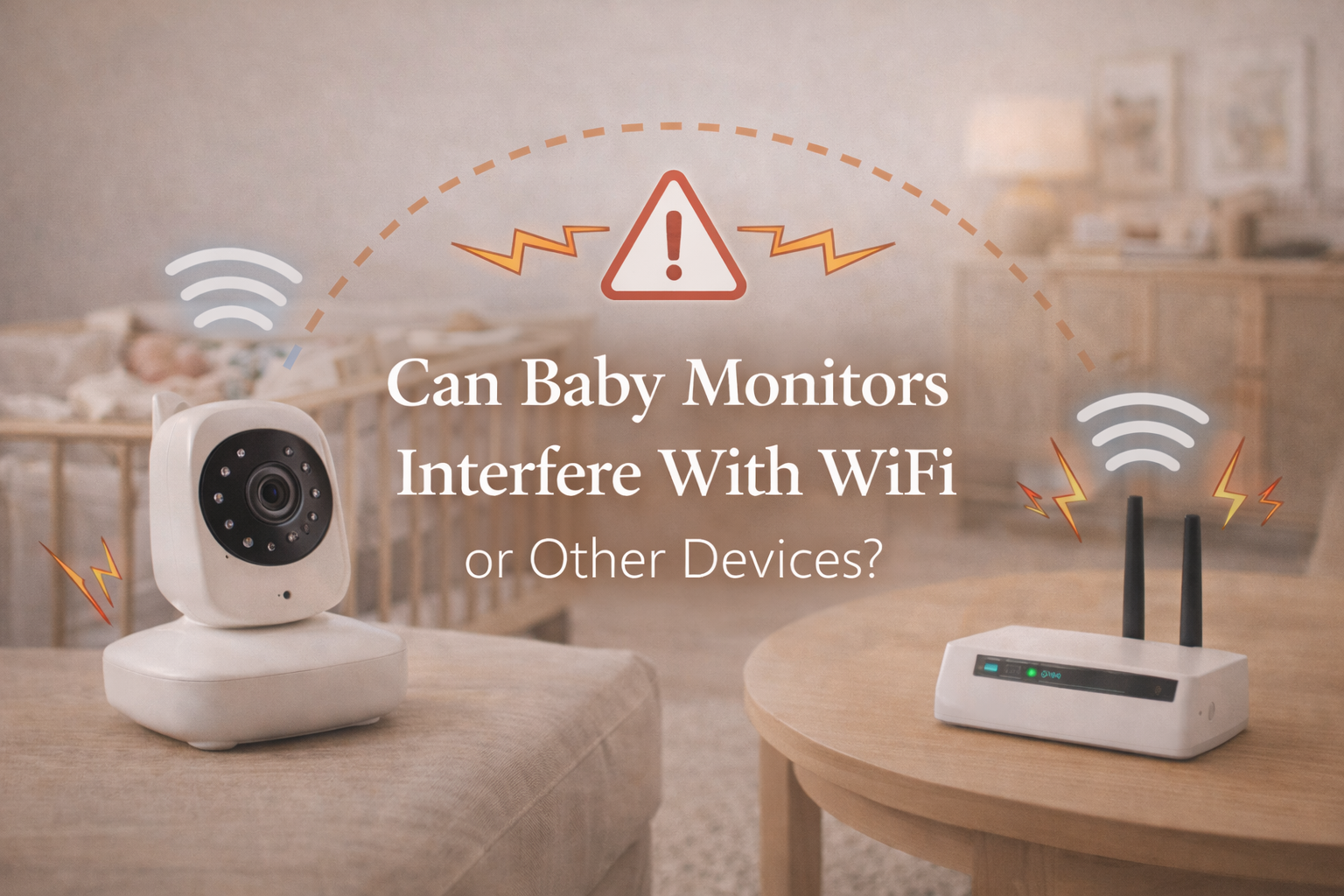
Can Baby Monitors Interfere With WiFi or Other Devices?
Can baby monitors interfere with WiFi? It’s a question many parents only start asking after something suddenly feels “off” at home. Maybe your internet slows down the moment the baby monitor is turned on. Maybe the video feed starts lagging when someone starts streaming Netflix. Or maybe your Bluetooth speaker keeps cutting out during bedtime routines.
In a modern household full of wireless devices, it’s completely reasonable to wonder whether your baby monitor is causing interference or whether your home WiFi is interfering with the monitor. The reality is that both can happen, depending on the type of monitor you’re using and how your home network is set up.
The good news is that baby monitor interference is usually fixable. And in many cases, it doesn’t mean your monitor is defective. It simply means several devices are competing for space on the same wireless “highway.”
This article explains how interference works, which baby monitors are most likely to affect WiFi or electronics, and what parents can do to prevent signal issues.
Can Baby Monitors Interfere With WiFi in Real Homes?
Yes, baby monitors can interfere with WiFi, but it depends heavily on the monitor’s technology and frequency band.
Not all baby monitors use WiFi. Some operate on dedicated radio frequencies designed specifically for secure short-range communication. Others connect directly to your home network, just like a smartphone or smart TV.
Interference usually happens in one of two ways:
- The baby monitor competes with your WiFi network for wireless bandwidth.
- Another device in your home disrupts the baby monitor’s signal.
This is why some parents notice issues only at certain times for example, when multiple people are home using WiFi, or when a microwave or Bluetooth device is running.
Understanding what type of baby monitor you have is the first step in understanding interference.
The Three Main Types of Baby Monitors (And How They Affect Interference)
Most baby monitors fall into one of three categories:
1. WiFi baby monitors
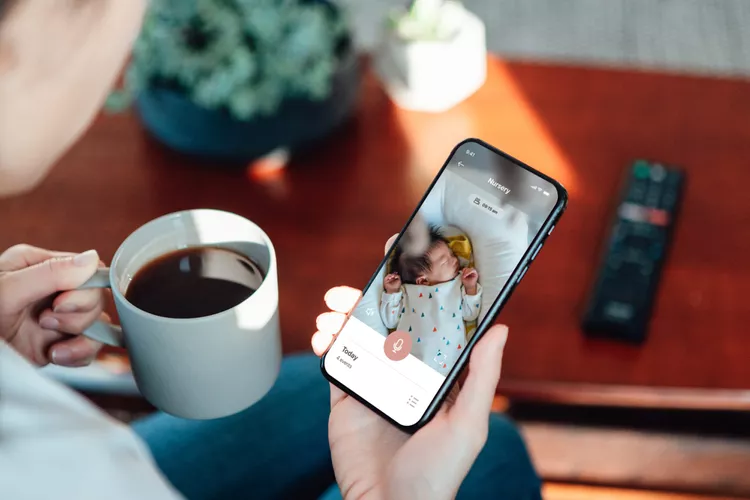
These connect to your home router and stream video through the internet or local network. You view the feed through an app on your phone.
Because they use your home WiFi, they can absolutely contribute to congestion especially if you have multiple cameras, multiple users, or a weak router.
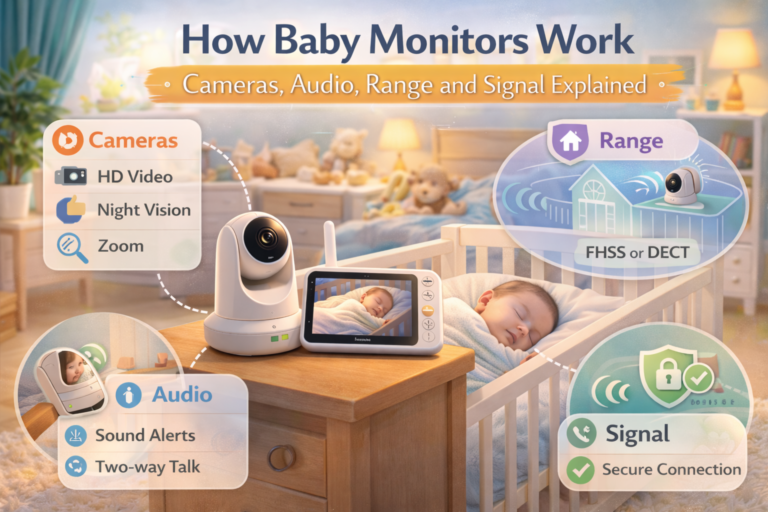
2. Non-WiFi video monitors (FHSS)
These come with a dedicated parent unit. They do not connect to your router. Instead, the camera communicates directly with the handheld screen.
Most modern non-WiFi monitors use FHSS technology (frequency-hopping spread spectrum). They usually operate on the 2.4 GHz band, which is the same band used by many WiFi networks and Bluetooth devices. However, because FHSS hops between channels, interference is often reduced.
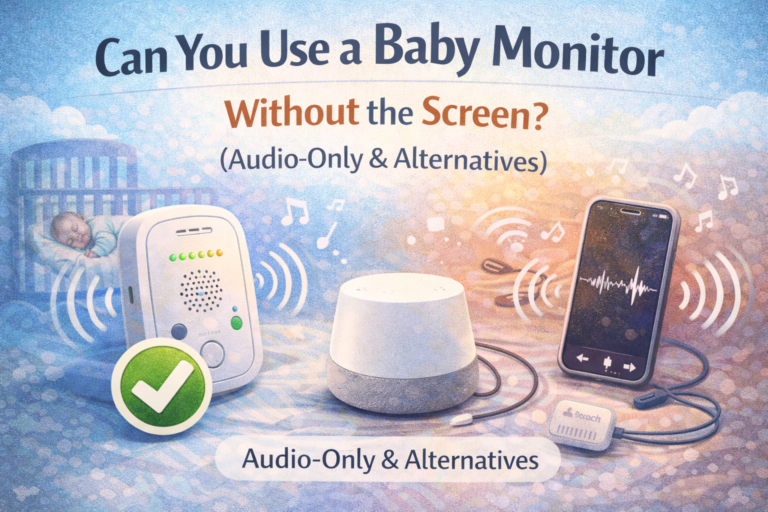
3. Audio-only monitors (DECT)
These typically use DECT technology (1.9 GHz band), which is separate from standard WiFi frequencies. DECT monitors are much less likely to interfere with WiFi.
If your household has persistent interference issues, audio-only DECT monitors are often the most stable option.
How Wireless Interference Actually Happens
Wireless devices share space in the air. Your router, your baby monitor, your wireless headphones, your neighbor’s WiFi, even your smart doorbell they all transmit signals through the same environment.
When too many devices transmit on the same frequency, problems appear. These can include:
- slow internet speeds
- video buffering
- dropped baby monitor connection
- audio crackling
- delayed notifications
- Bluetooth cutouts
- poor range
It’s not always obvious which device is causing the problem. Parents may blame the baby monitor because it’s the newest device in the house, but the issue may actually be an overloaded router or poor WiFi coverage in the nursery.
Still, baby monitors can absolutely contribute to interference, especially if they stream high-resolution video.
Why WiFi Baby Monitors Are More Likely to Cause Problems
WiFi baby monitors are convenient, but they are also the most demanding in terms of bandwidth.
Unlike an audio monitor that transmits a simple sound signal, a WiFi baby monitor may be sending:
- HD video (720p or 1080p)
- audio stream
- motion detection data
- cry detection analysis
- notifications to your phone
- cloud upload (if enabled)
This is a lot of data, especially if the monitor is constantly streaming.
In many households, a WiFi baby monitor is running at the same time as:
- Netflix streaming
- YouTube videos
- gaming consoles
- work video calls
- smart home cameras
- Alexa/Google Home devices
- phones and tablets syncing
All of this adds up. Even if your internet plan is fast, your router may struggle with too many active connections at once.
This is often why parents notice that WiFi baby monitors work fine during the day, but lag at night when everyone is online.
The 2.4 GHz Band: The Most Common Source of Baby Monitor Interference
Many WiFi routers broadcast on two main bands:
- 2.4 GHz
- 5 GHz
The 2.4 GHz band travels farther and passes through walls better, but it is also more crowded. It’s used by:
- WiFi networks
- Bluetooth devices
- baby monitors (FHSS and some WiFi cameras)
- cordless phones (older models)
- wireless printers
- smart plugs
- microwaves (indirectly)
When your baby monitor and WiFi router are both relying heavily on 2.4 GHz, interference becomes more likely.
The 5 GHz band is faster and less crowded, but has shorter range and struggles through walls.
If your baby monitor relies on 2.4 GHz, and your nursery has weak WiFi coverage, you may see connection drops even though your internet works fine elsewhere.
Can Non-WiFi Baby Monitors Still Interfere With WiFi?
Yes, but less commonly.
Non-WiFi video monitors (FHSS models) usually operate on 2.4 GHz. That means they exist in the same space as WiFi signals. However, they don’t behave like a typical WiFi device. FHSS monitors jump rapidly between channels, which makes them more resistant to interference and reduces the chance they will fully “block” WiFi.
That said, in smaller apartments or homes with many wireless devices, even an FHSS monitor can contribute to a crowded environment.
If you live in a building with many neighboring WiFi networks (common in apartments), the 2.4 GHz band may already be saturated. In that scenario, even a non-WiFi baby monitor can experience disruptions — not because it’s “bad,” but because the wireless environment is overloaded.
Other Devices Baby Monitors Can Interfere With
Parents are often surprised by what a baby monitor can impact. While WiFi is the most common concern, interference can also affect:
Bluetooth speakers or headphones
If your baby monitor and Bluetooth devices are both using 2.4 GHz space, you may hear occasional dropouts, especially if your speaker is far from your phone.
Wireless security cameras
Smart home cameras also rely on WiFi. If your baby monitor is streaming constantly, it can reduce bandwidth for other cameras and cause lag or delayed alerts.
Smart TVs and streaming devices
A WiFi baby monitor can contribute to buffering on devices like Apple TV, Roku, Fire Stick, or built-in smart TV apps.
Video calls and remote work
This is a common real-world complaint: parents notice their Zoom calls stutter once the monitor is turned on. The monitor may not be “breaking” WiFi, but it may be using enough bandwidth to push the network over its limit.
Wireless printers
Printers can be sensitive to network congestion. Parents sometimes notice printing delays or failed connections after installing smart baby cameras.
Signs Your Baby Monitor Is Causing Interference
Not all connection problems are interference-related, but there are patterns that suggest your baby monitor is involved.
Common signs include:
- WiFi slows down only when the monitor is on
- baby monitor video becomes laggy when someone streams video
- monitor disconnects when you walk into another room (weak signal + interference)
- Bluetooth audio cuts out during monitoring
- router becomes unstable or needs restarting frequently
- WiFi drops specifically in the nursery (poor coverage)
If you notice these issues consistently, the monitor is likely contributing but it may not be the only factor.
How to Reduce Baby Monitor Interference (Practical Fixes That Work)
The good news is that most interference problems can be improved without buying a new monitor.
Move the router closer (or improve coverage)
If the nursery is far from your router, the baby monitor may struggle and use more bandwidth trying to maintain a stable connection. A mesh WiFi system or WiFi extender can make a major difference.
Switch your router to a less crowded channel
Many routers automatically choose channels, but sometimes they choose poorly. If your neighborhood has many WiFi networks, manually switching channels can reduce congestion.
Use 5 GHz for phones and streaming devices
If your router supports dual-band WiFi, try putting phones, laptops, and TVs on the 5 GHz network and leaving the baby monitor on 2.4 GHz. This reduces competition.
Lower the video quality setting
Many WiFi baby monitors allow 1080p, 720p, or SD mode. Reducing quality may dramatically improve stability, especially in homes with weak WiFi.
Disable cloud recording if you don’t need it
Cloud recording uses continuous upload bandwidth. If your monitor offers recording and you don’t use it, turning it off can reduce WiFi load.
This connects directly to the question many parents ask: do monitors record constantly? If you want clarity on how recording works and whether it’s happening in the background, you may want to read Do Baby Monitors Record Video or Audio? What Parents Should Know, since recording settings can affect network performance.
Keep devices separated physically
Avoid placing the baby monitor camera near:
- WiFi router
- cordless phone base
- smart TV
- Bluetooth speaker
- microwave
Even a few feet of distance can reduce interference.
When a Non-WiFi Monitor Might Be the Better Choice
Some parents eventually realize they don’t want to troubleshoot WiFi at all. They want something simple: stable video, stable audio, no apps, no buffering.
In those cases, a non-WiFi monitor can be a better match.
Parents who prioritize reliability over convenience often prefer dedicated parent-unit monitors because:
- they don’t rely on the router
- they are harder to hack
- they typically have fewer lag issues
- they work even if WiFi is down
If that sounds like your situation, Best Baby Monitor Without WiFi is a helpful starting point, especially if your goal is stable monitoring without network complications.
Does Interference Make Baby Monitors Unsafe?
This is a fair concern, and many parents feel anxious when a monitor disconnects.
But it helps to put it into perspective: baby monitors are convenience tools, not medical devices. A dropped connection does not automatically mean danger. It means the monitor is not delivering reassurance at that moment.
Still, parents deserve reliability, especially during sleep.
If you’re working on a more stable nighttime routine and want to reduce stress around sleep monitoring, you may also benefit from reading Baby Sleep & Night Care: A Practical Guide for New Parents, which focuses on building predictable routines and reducing the anxiety loop that technology can sometimes create.
How to Know If Your WiFi Is the Problem (Not the Monitor)
Sometimes parents blame the baby monitor when the real issue is their network.
Your WiFi may be weak if:
- the nursery is far from the router
- your home has thick walls or concrete
- your router is old
- too many devices are connected
- you have dead zones in bedrooms
If your phone also has weak WiFi in the nursery, the monitor will too.
In those cases, upgrading your WiFi setup may improve everything not just the baby monitor.
Final Thoughts
Baby monitors can interfere with WiFi and other devices, especially if they rely on WiFi streaming or operate in the crowded 2.4 GHz band. But interference doesn’t automatically mean your monitor is poor quality. In most cases, it’s simply a modern home problem: too many wireless devices competing for the same space.
The best solution depends on your priorities. Some parents benefit from improving WiFi coverage and optimizing settings. Others feel calmer switching to a non-WiFi monitor that avoids the entire issue.
Either way, understanding how interference works helps you make decisions with confidence and avoid unnecessary frustration during the months when sleep is already limited.
FAQ
Can baby monitors interfere with WiFi speed?
Yes. WiFi baby monitors can reduce WiFi speed because they stream video continuously and use bandwidth, especially if multiple devices are connected to the same network.
Do non-WiFi baby monitors interfere with internet connection?
Usually not directly, but some non-WiFi monitors use the 2.4 GHz band and can contribute to wireless congestion in crowded environments.
Why does my baby monitor lag when someone is streaming Netflix?
Streaming uses large amounts of bandwidth. If your monitor also streams video over WiFi, both devices compete for the network, causing lag, buffering, or connection drops.
Can baby monitors interfere with Bluetooth headphones or speakers?
Yes. Bluetooth operates in the same 2.4 GHz frequency space, so interference can happen, especially in small homes or when devices are far apart.
How can I stop baby monitor interference without replacing the monitor?
You can reduce interference by moving devices apart, using 5 GHz WiFi for other devices, lowering video quality, improving WiFi coverage, or switching router channels.