Baby Monitor Sound Delay: Is It Normal? What Parents Should Know
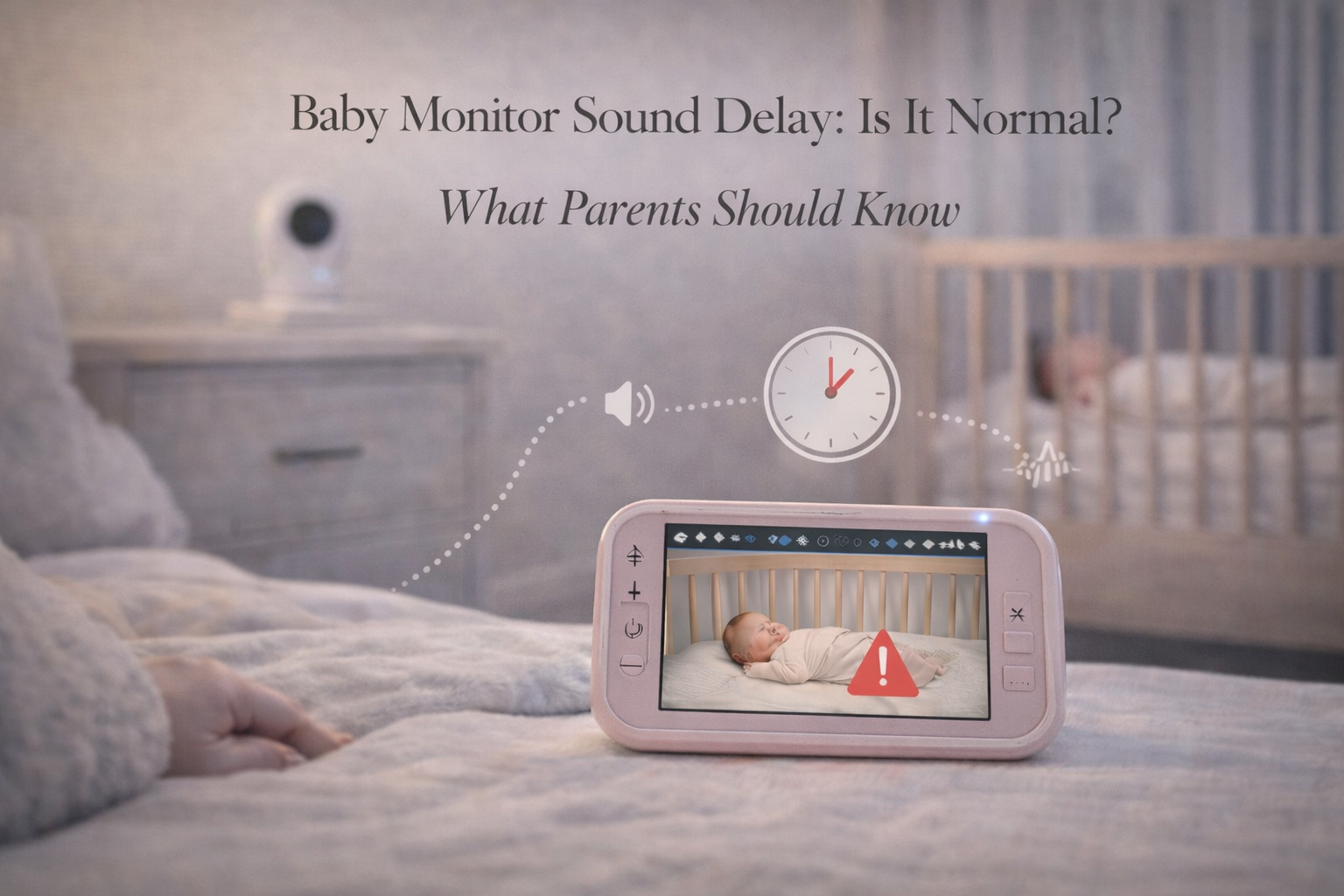
Baby monitor sound delay is one of those issues parents often notice immediately and once you notice it, it’s hard to ignore. You might see your baby move on the screen, then hear the sound a second later. Or you might hear crying through the monitor and realize the baby had already been awake for a moment before the sound reached you.
For new parents, especially those in the newborn stage, even a small delay can feel unsettling. A baby monitor is supposed to help you respond quickly. If it feels “behind,” it raises a natural concern: Is my monitor unreliable? Could I miss something important?
The reassuring news is that some delay is completely normal, especially with WiFi monitors. But not all delay is normal, and not all delay is harmless.
This article explains what causes sound delay, what is considered acceptable, which monitor types lag the most, and what parents can do to improve real-world performance.
Is Baby Monitor Sound Delay Normal?
Yes, baby monitor sound delay can be normal.
Most monitors have a small amount of processing delay because they must:
- capture sound through a microphone
- convert it into digital data
- transmit it wirelessly
- decode it on the parent unit or phone
- play it through the speaker
That entire process takes time, even in good conditions.
For most monitors, a delay of less than one second is usually considered normal and not a cause for concern.
However, delays longer than one to two seconds can feel disruptive, and delays longer than three seconds may signal a real connectivity or hardware issue.
Why Baby Monitor Sound Delay Happens
Sound delay happens for different reasons depending on monitor type.
Digital processing delay
Even non-WiFi monitors process sound digitally. This adds a small delay, usually minimal.
Wireless transmission delay
If the signal is weak, the monitor may retransmit packets of data, which adds lag.
Compression and decoding delay (especially WiFi monitors)
WiFi monitors often compress audio and video to stream over the internet. Compression saves bandwidth, but it adds delay.
Network buffering
WiFi monitors may buffer audio slightly to avoid interruptions. That buffering creates lag.
Phone notification delay
If you rely on alerts instead of live monitoring, your phone may delay sound output depending on app settings.
WiFi Monitors vs Non-WiFi Monitors: Which Has More Sound Delay?
This is where parents see the biggest difference.
Non-WiFi monitors (FHSS)
These usually have very low sound delay. They transmit directly to the parent unit without internet.
Parents often describe FHSS monitors as “instant” because audio feels real-time.
WiFi baby monitors
WiFi monitors are more likely to have noticeable sound delay. Audio may lag because it must travel through:
- router
- modem
- internet service
- cloud servers (sometimes)
- phone app
Even in strong WiFi conditions, a small delay is common.
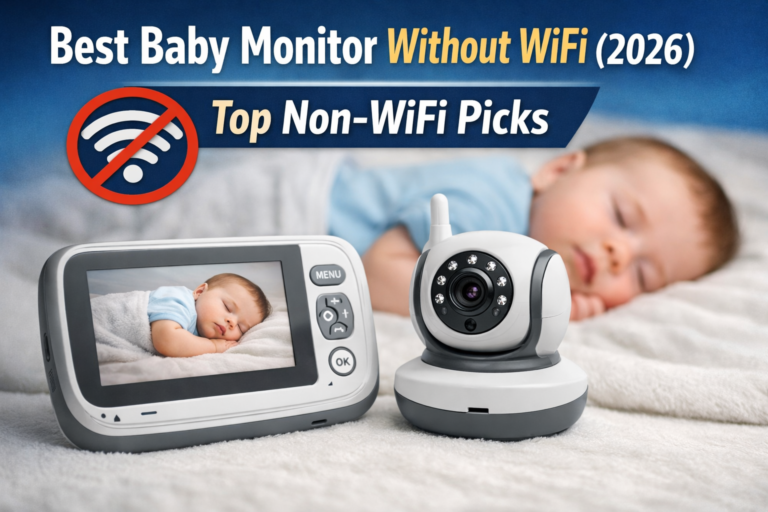
If your priority is immediate response and real-time audio, this is why many parents prefer non-WiFi monitors especially for newborns.
This connects naturally with your money page Best Baby Monitor Without WiFi, because many parents searching about sound delay are looking for a more reliable monitor type that doesn’t depend on internet streaming.
How Much Sound Delay Is Too Much?
Parents often ask this because they want a clear benchmark.
In real-world terms:
- 0–0.5 seconds: Excellent (feels instant)
- 0.5–1 second: Normal for many monitors
- 1–2 seconds: Noticeable but often acceptable
- 2–3 seconds: Concerning for newborn use
- 3+ seconds: Usually indicates a problem
If your monitor consistently has a delay of 2+ seconds, it may not be functioning properly or your WiFi setup may be struggling.
When Sound Delay Actually Matters
Sound delay matters most when parents rely on the monitor for immediate awareness.
It can be important in situations like:
- newborn feeding cues
- reflux episodes where coughing or gagging needs attention
- toddlers climbing out of bed
- night waking where parents want to respond quickly
If the delay is small, it usually does not change safety. But if the delay is long, it can affect how quickly parents respond.
For example, a baby crying loudly will still be noticed. But a baby quietly fussing might be missed if the monitor lags and the parent unit is on low volume.
This is where your earlier post Can Baby Monitors Miss Crying? What Happens in Real Use becomes relevant, because sound delay is one of the reasons parents worry about missing early crying cues.
What Causes Sudden Increased Delay?
Some parents report that their monitor used to feel instant but suddenly became laggy.
Common causes include:
- WiFi congestion (multiple devices streaming)
- router aging or overheating
- weak nursery WiFi signal
- firmware updates causing temporary glitches
- switching from 2.4 GHz to 5 GHz networks
- interference from Bluetooth or wireless cameras
WiFi networks can change day-to-day. Even a neighbor installing a new router can increase interference in apartments.
If you want a detailed explanation of interference, your post Can Baby Monitors Interfere With WiFi or Other Devices? is a strong internal link here.
How to Reduce Baby Monitor Sound Delay
Parents can often reduce delay significantly with a few steps.
Improve WiFi signal strength in the nursery
If your monitor is WiFi-based, check your phone’s WiFi bars in the nursery. If your phone struggles there, the monitor will too.
Solutions include:
- moving router closer
- adding a mesh WiFi system
- using a WiFi extender
- ensuring the camera uses 2.4 GHz for better wall penetration
Reduce streaming quality
Lowering video resolution reduces bandwidth and can improve audio stability.
Close unused apps
If you monitor on a phone, background apps can slow performance.
Keep the monitor app open
Some WiFi monitor apps lag more when running in the background.
Restart the router regularly
A simple restart can clear memory issues and reduce buffering.
Consider a non-WiFi monitor if real-time audio is your priority
For many parents, switching to a dedicated FHSS monitor solves delay problems immediately.
Again, your internal article Best Baby Monitor Without WiFi fits perfectly here because it speaks directly to parents who want stability and real-time performance.
Is Sound Delay a Sign the Monitor Is Unsafe?
Not necessarily.
A small delay is normal and doesn’t mean the monitor is unsafe. But long delay can reduce confidence, which is important for parent well-being.
A baby monitor is supposed to reduce anxiety, not increase it.
If the delay makes you constantly check the nursery, it’s worth addressing. Sometimes a simple placement change or WiFi improvement solves the issue.
If you want a broader overview of monitor types and what to prioritize, your pillar page Baby Monitors: The Complete Guide for Parents is a strong internal link here.
Final Thoughts
Baby monitor sound delay is often normal, especially with WiFi-based monitors, but it shouldn’t be extreme. A small lag is usually just part of digital transmission, while delays of several seconds can indicate weak signal, buffering, or network congestion.
The key is to test your monitor in real conditions at night, with doors closed, and from the rooms where you actually spend time. If the delay feels disruptive, improving WiFi coverage or switching to a dedicated non-WiFi monitor can restore real-time performance and peace of mind.
FAQ
Is baby monitor sound delay normal?
Yes. A small sound delay is normal for many monitors, especially WiFi models. Delays under one second are typically considered acceptable.
Why does my baby monitor audio lag behind the video?
WiFi monitors compress and stream audio/video through your network, which can create buffering. Weak WiFi or congestion often makes the delay worse.
How can I reduce baby monitor sound delay?
Improve WiFi coverage in the nursery, lower video resolution, restart the router, and keep the app active. Non-WiFi monitors often have less delay.
Is sound delay dangerous for newborn monitoring?
A small delay is usually not dangerous. But delays longer than 2–3 seconds can reduce reliability and may cause parents to miss early waking cues.
Do non-WiFi baby monitors have less sound delay?
Yes. Non-WiFi FHSS monitors typically have faster real-time audio because they transmit directly to the parent unit without internet.