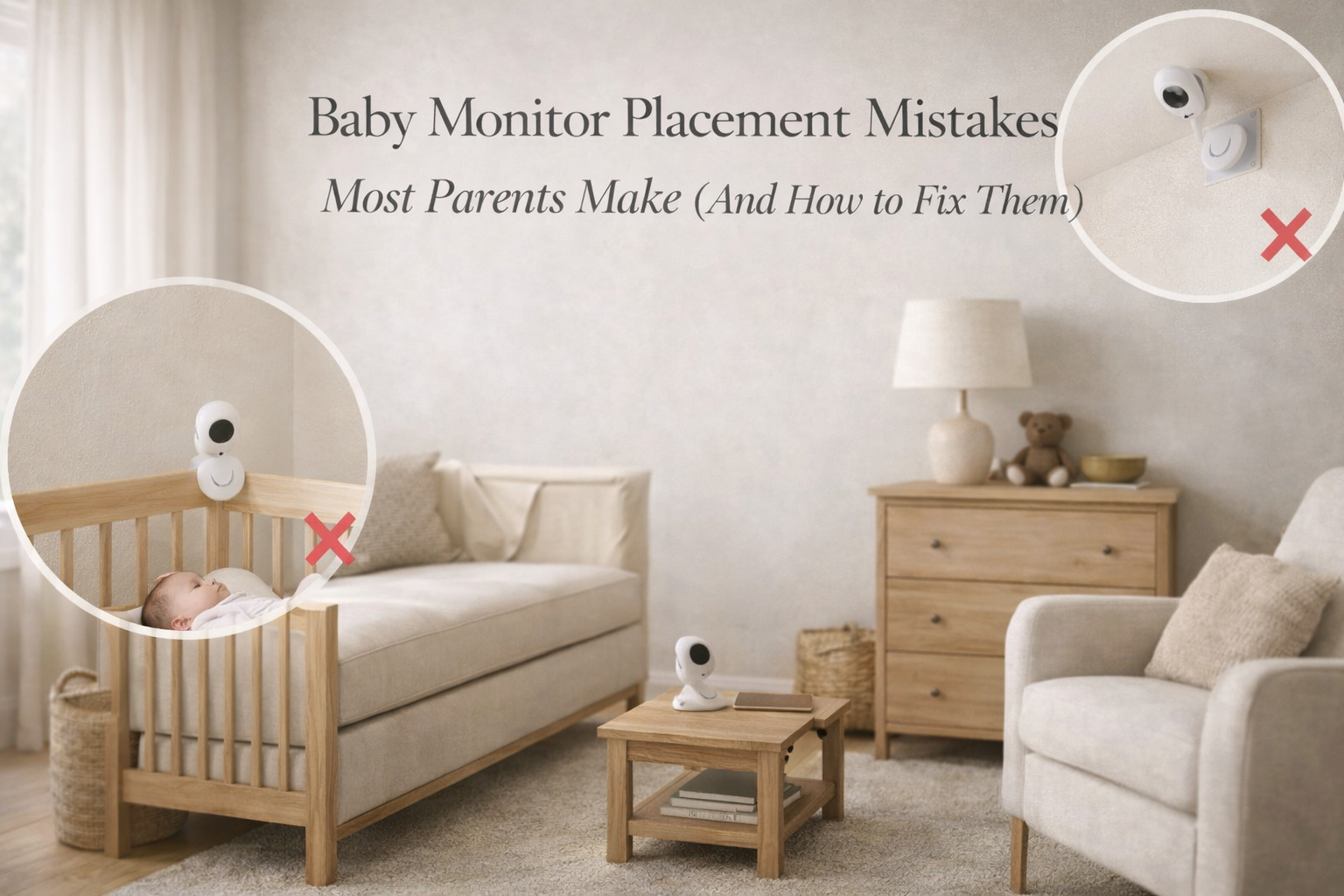
Baby Monitor Placement Mistakes Most Parents Make (And How to Fix Them)
Baby monitor placement mistakes are one of the biggest reasons parents feel disappointed with a monitor that looked perfect on paper. A monitor may have strong reviews, clear video, and a long advertised range but if it’s placed in the wrong spot, it can lose signal, miss quiet crying, show a poor viewing angle, or even create safety hazards.
Many parents assume baby monitor setup is simple: plug it in, point it toward the crib, and you’re done. But real homes are messy. Furniture blocks sound. cords dangle. WiFi dead zones exist. A camera mounted too low can give a useless view at night. A monitor placed too close can create unnecessary exposure concerns and cord hazards.
The good news is that most placement mistakes are easy to fix. Often, a small adjustment makes the difference between constant frustration and reliable monitoring.
This guide explains the most common baby monitor placement mistakes parents make, why they matter, and how to set up your monitor in a safer, more reliable way.
Why Placement Matters More Than Most Parents Expect
A baby monitor isn’t just a camera. It’s a communication system.
To work well, it needs:
- a clear view of the crib
- a clear sound path for crying and movement
- stable signal transmission through walls and floors
- safe cable management
- a position that won’t be knocked over or fall
Even expensive monitors can perform poorly if the camera is placed behind furniture, too close to a sound machine, or too far from the crib.
Placement also affects what parents see and hear emotionally. A monitor that constantly cuts out or shows an awkward angle increases stress. Parents may start checking the nursery more often, sleeping less, and feeling like they can’t rely on the device.
So while placement seems like a small detail, it has a direct impact on the quality of newborn care.
Mistake #1: Placing the Monitor Too Close to the Crib
This is one of the most common errors, especially for first-time parents.
Parents often place the camera right next to the crib because they want a close-up view. But this creates multiple problems.
First, it increases safety risks. Any device close to the crib can fall in. Even if it feels stable, accidents happen.
Second, it increases cord hazard concerns. Cords should never be within reach of a baby, and a camera close to the crib usually means a power cable nearby.
Third, it increases anxiety around RF exposure. Many parents worry about baby monitor radiation. Whether or not the risk is significant, placing the device farther away is a simple way to reduce unnecessary exposure.
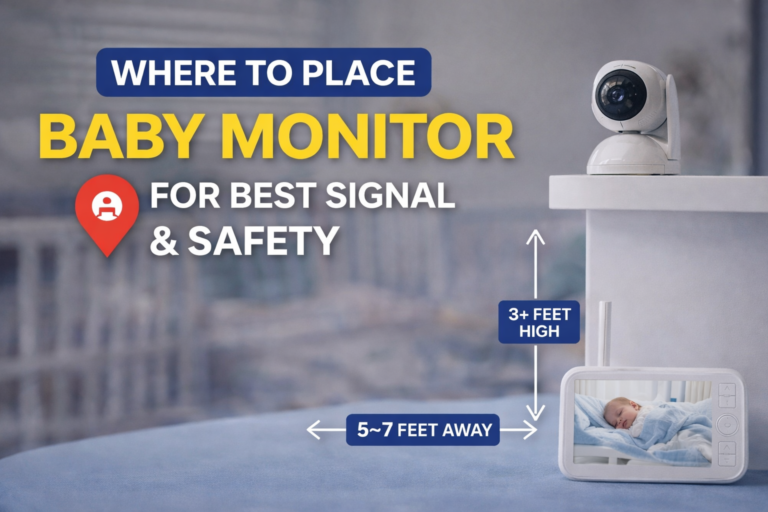
A good guideline is to keep the camera at least 3 feet (about 1 meter) from the crib and ideally mount it on a wall or shelf.
Mistake #2: Mounting the Camera Too Low
A camera placed low on a dresser or nightstand may look fine at first. But it often becomes useless once the baby shifts positions or grows.
Low placement can create problems like:
- crib bars blocking the view
- blankets or sleep sacks covering the baby
- glare from night vision reflections
- poor visibility of breathing movement
- a narrow view that doesn’t show the full crib
Low cameras also tend to lose signal more easily because furniture and objects block transmission.
Mounting the camera higher ideally above crib level usually creates a more stable and useful angle. It also reduces the chance that a baby can reach it later.
Mistake #3: Pointing the Camera at the Wrong Angle
Some parents aim the camera directly at the baby’s face. This seems logical, but it often creates an unhelpful view.
Newborns move, roll their heads, and change position. A face-focused angle can easily end up showing nothing but a pillow, a crib rail, or the side of the mattress.
A better approach is to aim the camera downward to capture:
- the full crib mattress area
- the baby’s torso and breathing movement
- overall body position
Parents don’t need a perfect close-up. They need a reliable view that shows the baby is safely positioned.
Mistake #4: Placing the Camera Near a White Noise Machine
White noise is common in nurseries, and it helps many babies sleep. But it can interfere with monitor audio.
If the sound machine is too close to the camera microphone, the monitor may pick up mostly white noise. That can cause two major problems:
- crying sounds become muffled or delayed
- VOX/sound activation may not trigger correctly
Parents may hear constant noise but miss the early stages of fussing.
This is especially important if you use sound activation mode. If you want a deeper explanation of how monitors can miss crying in real homes, your related post Can Baby Monitors Miss Crying? What Happens in Real Use fits naturally as an internal link here.
The best setup is to keep the sound machine closer to the crib and keep the monitor microphone farther away, so the baby’s crying is clearer than the background noise.
Mistake #5: Putting the Camera Behind Curtains or Decorations
Parents sometimes try to hide the monitor for aesthetic reasons. They place it behind curtains, plants, stuffed animals, or decorative items.
This is a problem for both video and signal quality.
Objects can block:
- infrared night vision
- audio pickup
- wireless transmission
Curtains and fabric can also reflect infrared light, creating a foggy or washed-out image at night.
Baby monitors work best in open space, with nothing directly in front of the lens.
Mistake #6: Using an Unstable Surface (Dresser, Shelf Edge, Loose Table)
This is a practical safety issue.
A camera placed on a shelf edge can be bumped. A monitor on a dresser can fall during cleaning. Even vibrations from drawers opening can shift the angle over time.
A monitor that moves slightly can go from “perfect view” to “useless view” without parents realizing it until the middle of the night.
Whenever possible, secure the camera using:
- wall mounting brackets
- stable shelving
- strong adhesive mounts designed for electronics
Parents don’t need an elaborate setup, but stability matters.
Mistake #7: Poor Cord Management
This is arguably the most important placement mistake because it’s directly related to physical safety.
Cords should never hang down near the crib. Even if your baby is a newborn today, babies grow quickly. A setup that feels safe now may become unsafe in a few months.
Parents should:
- route cords along walls
- use cord covers
- secure cables with clips
- avoid dangling loops
Cords are a known hazard, and monitor cords are often long and tempting for curious babies later on.
Mistake #8: Ignoring WiFi Dead Zones (WiFi Monitors)
WiFi monitors rely on your home network. If the nursery has weak WiFi coverage, the monitor may lag, freeze, or disconnect.
Many parents blame the monitor when the real issue is WiFi strength.
If your phone has weak WiFi in the nursery, your baby monitor camera will too.
Solutions include:
- moving the router closer
- using a mesh WiFi system
- adding a WiFi extender
- keeping the camera away from thick walls
WiFi monitors can work beautifully, but only if the nursery has stable signal.
If you want a broader overview of monitor types and what matters most for reliability, your pillar page Baby Monitors: The Complete Guide for Parents is the perfect internal link to include here.
Mistake #9: Placing the Parent Unit in a Bad Spot
Parents focus on camera placement but forget the parent unit.
Non-WiFi monitors transmit directly between camera and parent unit. If the parent unit is placed near interference sources like:
- WiFi router
- microwave
- Bluetooth speaker
- cordless phone base
…it can weaken reception.
Even where you keep the parent unit at night matters. If you place it behind a thick wall or in a far corner room, signal drops become more likely.
This is one reason parents experience random disconnects. Often, the monitor works fine until the parent unit is moved to a different room.
Your related post How Often Do Baby Monitors Lose Signal (And Why) connects naturally here and supports this topic strongly.
Mistake #10: Not Testing Placement Before Relying on It Overnight
Parents often set up a monitor quickly and assume it’s fine.
But real monitoring conditions happen at night. Doors are closed. The house is quiet. WiFi usage changes. Night vision turns on.
Testing placement during the day is not enough.
Before relying on your monitor overnight, test it by:
- walking to your bedroom and checking signal
- closing doors
- testing audio clarity
- checking night vision view
- testing VOX activation sensitivity
A five-minute test can prevent hours of anxiety later.
What Is the Best Placement for a Baby Monitor Camera?
While every home is different, most parents get the best results when the camera is:
- mounted high on the wall
- angled downward toward the crib
- at least 3 feet away from the baby
- positioned so the full mattress is visible
- not facing bright windows or lamps
- not near white noise machines
- with cords fully secured and out of reach
This setup usually provides:
- the best view
- the best audio pickup
- the best signal strength
- the safest environment
Should You Use a WiFi or Non-WiFi Monitor for Better Placement Flexibility?
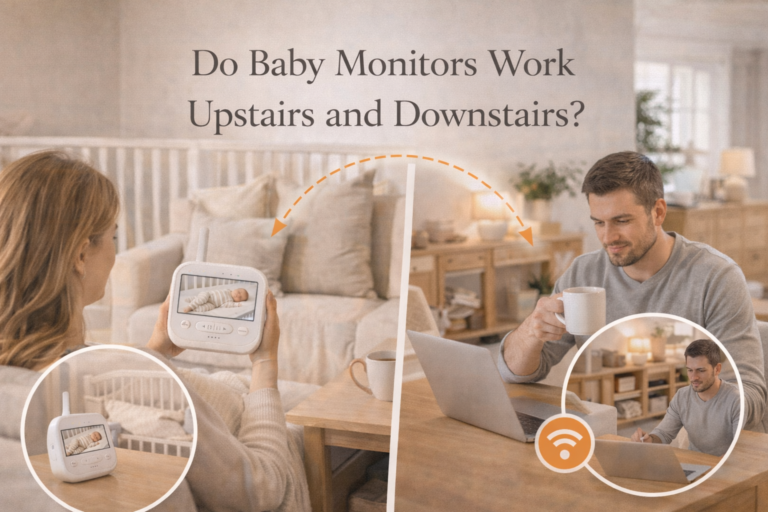
WiFi monitors offer flexibility because you can view from anywhere, but they require strong WiFi coverage.
Non-WiFi monitors are often more stable indoors, but the camera still needs a good signal path.
Parents who prioritize reliability and want fewer network complications often choose non-WiFi monitors, which is why your money page Best Baby Monitor Without WiFi fits naturally in this discussion.
A stable monitor setup matters more than fancy features, especially during the newborn stage.
Final Thoughts
Baby monitor placement mistakes are incredibly common, and they’re often the reason parents struggle with poor video angles, missed crying, lag, and signal drops.
The good news is that placement is something parents can control. A safer, higher camera position, proper cord management, and thoughtful distance from the crib can dramatically improve both reliability and peace of mind.
A baby monitor is supposed to reduce stress. With the right placement, it can actually do its job quietly and consistently while you focus on your baby, not the screen.
FAQ
Where should I place my baby monitor camera for the best view?
The best placement is usually high on a wall or shelf, angled downward to show the full crib mattress. This provides the clearest view and reduces obstructions from crib bars.
How far should a baby monitor be from the crib?
Most parents place the monitor at least 3 feet away from the crib. This improves safety, reduces cord hazards, and helps parents feel more comfortable about RF exposure.
Can baby monitor placement affect signal strength?
Yes. Cameras placed behind furniture, in corners, or too low can lose signal more easily. Higher placement often improves wireless transmission.
Why does my baby monitor not pick up crying well?
Poor microphone placement, white noise machines, or low sensitivity settings can cause missed crying or delayed alerts. Moving the monitor away from sound machines often helps.
Is it safe to place a baby monitor on the crib rail?
No. Placing a monitor on the crib rail increases the risk of the device falling into the crib and creates cord hazards as the baby grows.