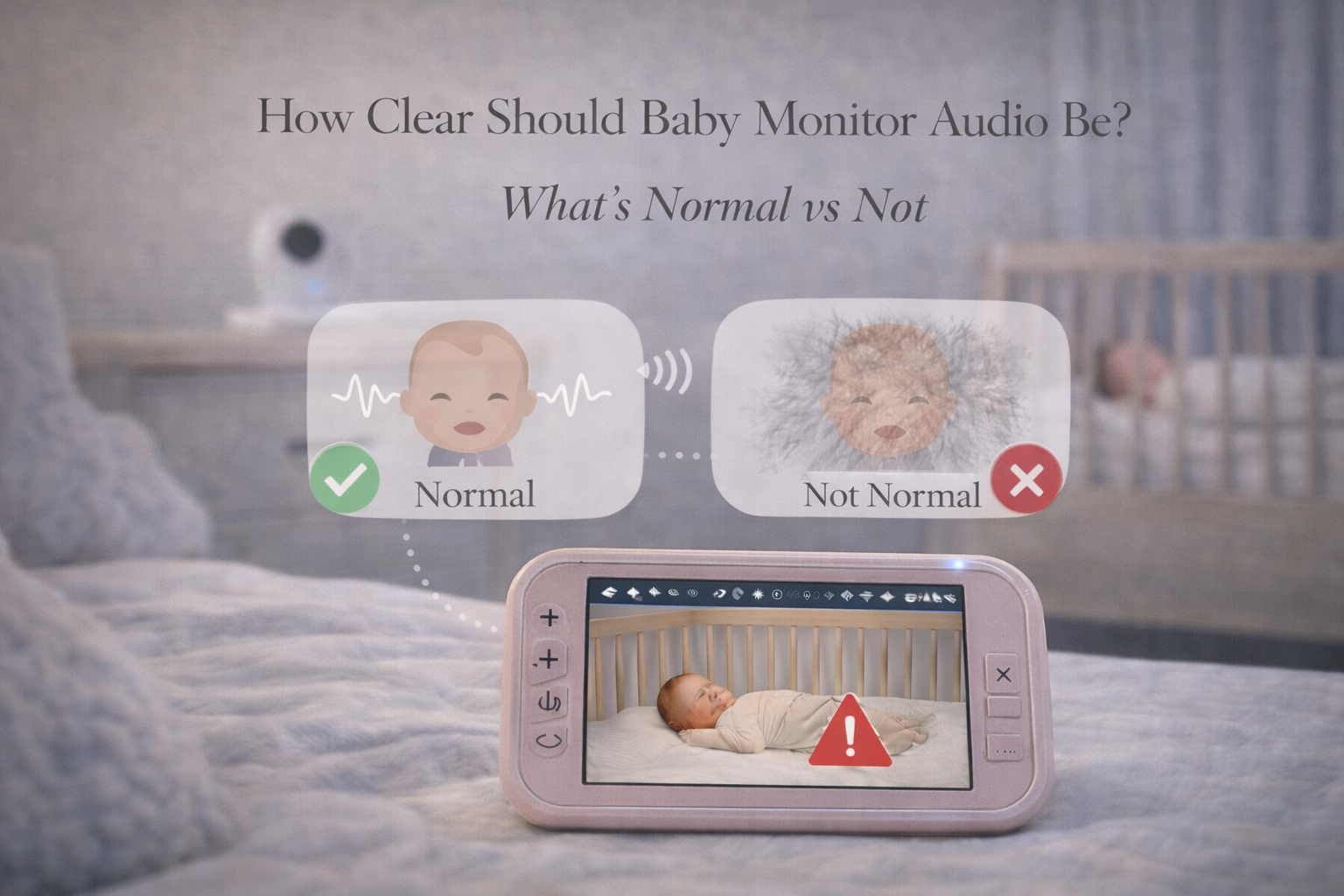
How Clear Should Baby Monitor Audio Be? What’s Normal vs Not
How clear should baby monitor audio be? Parents often ask this after noticing muffled sound, static, echoing, or audio that feels less clear than expected.
A baby monitor doesn’t need to sound like a studio microphone. But it should be clear enough that parents can reliably recognize:
- crying vs fussing
- coughing or choking sounds
- loud breathing
- unusual silence
- movement noises
If the audio is distorted or delayed, parents may feel like they can’t trust the monitor.
This article explains what normal audio clarity looks like, what issues are common, and what parents can do to improve sound quality.
What Normal Baby Monitor Audio Sounds Like
Normal baby monitor audio usually includes:
- slight background hiss
- room echo
- amplified breathing and movement
- occasional static during signal changes
Most monitors will not sound “crystal clear” like a phone call. The microphone is small, and the goal is functional sound, not high fidelity.
A good monitor should allow you to hear crying clearly and quickly.
Common Audio Problems and What They Mean
Muffled audio
Often caused by poor microphone placement or fabric blocking the camera.
Static
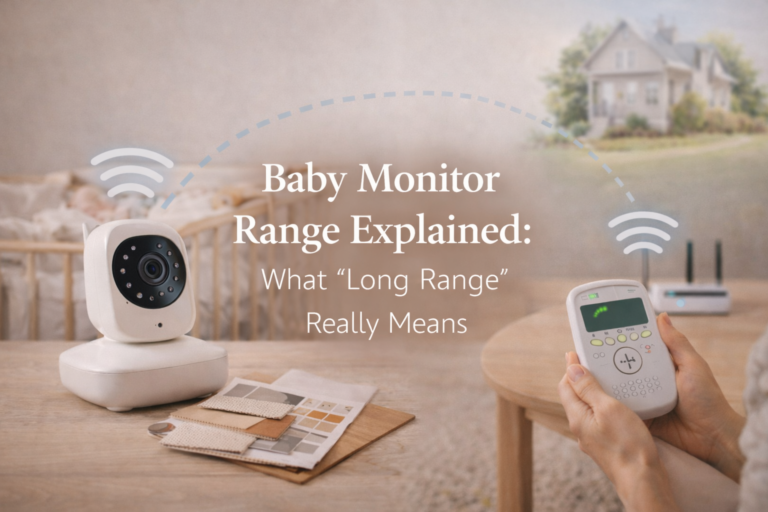
Usually caused by weak signal or interference.
Echo
Often caused by parent unit too close to the baby unit or high sensitivity.
Robotic audio
More common in WiFi monitors due to buffering and compression.
This connects naturally with your post Baby Monitor Sound Delay: Is It Normal? because audio clarity issues are often linked to lag and buffering.

How to Improve Audio Clarity
Parents can often improve sound quality by:
- mounting the camera higher
- keeping it away from white noise machines
- ensuring nothing blocks the microphone
- reducing interference from routers and appliances
- improving WiFi strength (for WiFi monitors)
If you want a broader breakdown of setup issues, your post Baby Monitor Placement Mistakes Most Parents Make fits perfectly as an internal link.
Final Thoughts
Baby monitor audio doesn’t need to be perfect, but it should be reliable. Parents should expect slight background noise, but crying should always sound clear and immediate.
If audio becomes muffled, delayed, or distorted, it’s often a setup or signal issue rather than a broken monitor. Small changes in placement and settings can dramatically improve clarity.
FAQ
Should baby monitor audio sound crystal clear?
Not necessarily. Some background hiss is normal. The key is that crying and movement should be clear.
Why does my baby monitor sound muffled?
The microphone may be blocked, placed too far away, or overwhelmed by white noise.
Is static normal on a baby monitor?
A small amount can be normal, but frequent static often means weak signal or interference.
Can WiFi monitors have worse audio quality?
Yes. WiFi monitors may compress audio, which can reduce clarity or create robotic sound.
When should I replace my baby monitor?
If audio problems persist after adjusting placement and settings, it may indicate a hardware issue.