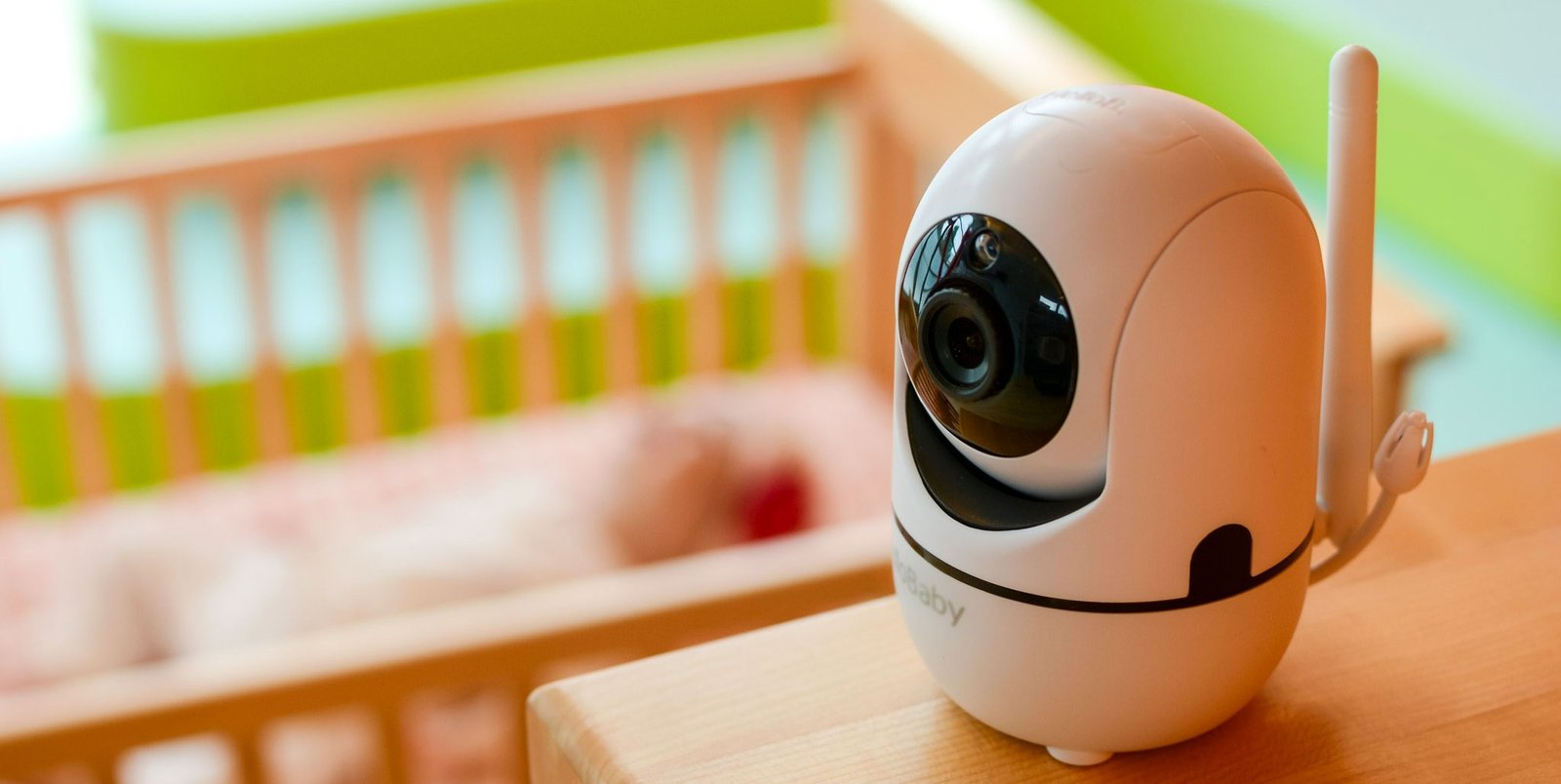
Are Baby Monitors Hackable?
The short answer is yes, baby monitors can be hacked. But the actual risk is often very different from what most parents imagine.
In real life, the type of monitor you use makes a big difference. WiFi baby monitors are more exposed because they are connected to the internet. Non-WiFi monitors, on the other hand, work on a closed signal and would require someone to be physically close to your home to even attempt access.
From what we’ve seen at SafeBabyLab, most issues don’t happen because someone is specifically targeting a baby monitor. They usually come down to simple things like weak passwords, outdated apps, or unsecured home networks.
So while the risk is real, it is also very manageable once you understand how it actually works.
How Baby Monitors Actually Get Hacked
Most parents picture hacking as something complex or targeted, but in reality it’s usually much simpler than that.
The most common way this happens is through your home WiFi network. If someone gains access to your network or your login credentials, they can potentially access connected devices, including a baby monitor. This often happens through reused passwords or data leaks from other sites.
Another issue is device security. Some monitors come with weak default settings or don’t receive regular updates. If those aren’t changed or updated, they can be easier to access than they should be.
There is also a third possibility, although much less common. Non-WiFi monitors can theoretically be intercepted, but only from a short distance and usually with specialized equipment. For most families, this is not something they will ever realistically encounter.
How Baby Monitors Work
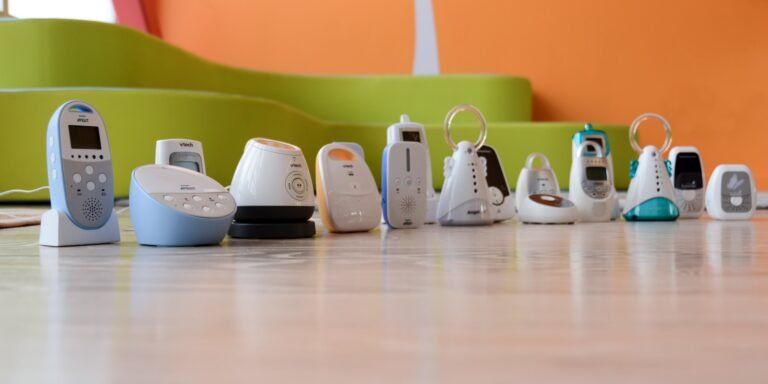
Before we talk about hacking, it helps to understand the two main types of baby monitors:
📌 1) WiFi Baby Monitors
These connect to your home WiFi and allow:
- live video streaming via apps
- remote access over the internet
- firmware updates over the network
This convenience comes with security trade-offs.
📌 2) Non-WiFi Baby Monitors
Non-WiFi monitors use:
- FHSS (Frequency Hopping Spread Spectrum)
- DECT (Digital Enhanced Cordless Telecommunications)
- direct audio or video transmission
These do not use your network or the internet which makes them much harder to access remotely.
Signs Your Baby Monitor Might Be Hacked
Even though it’s rare, it helps to know what to look for.
Some parents report noticing their camera moving without touching it. Others hear voices or sounds they can’t explain. In some cases, settings change on their own or the monitor turns on and off randomly.
Another subtle sign can be unfamiliar devices showing up on your WiFi network.
If anything like this happens, the safest thing to do is disconnect the monitor right away, reset your passwords, and update your device.
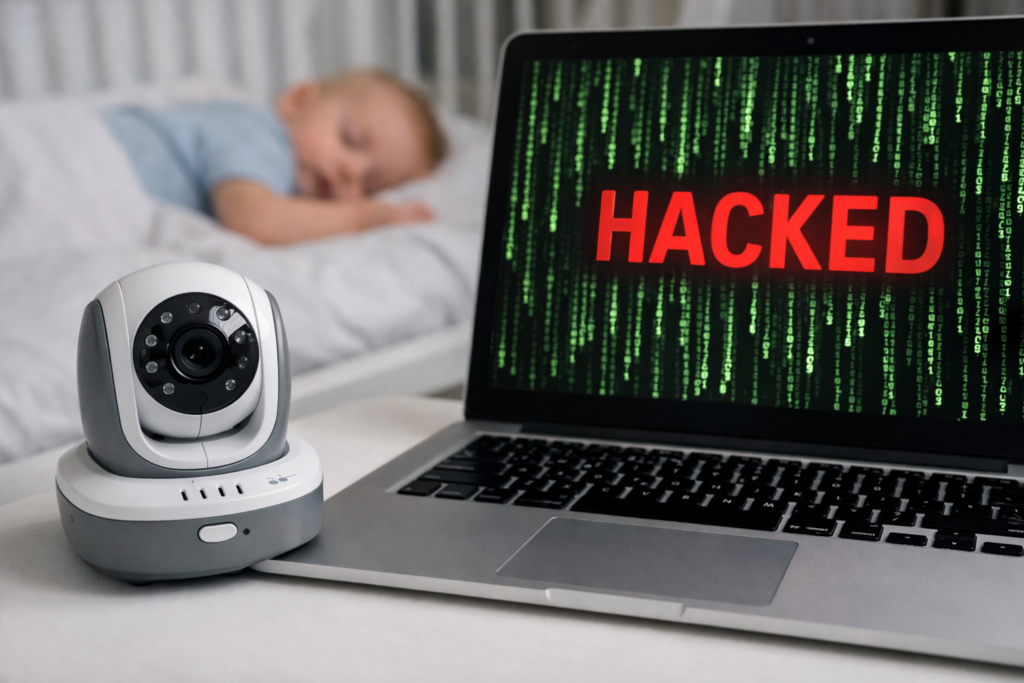
While baby monitor hacking is rare, understanding the risks helps you stay in control.
Which Baby Monitor Is Safest From Hackers?
If security is your top concern, non-WiFi baby monitors are usually the safest option.
Many of them use a technology called FHSS, which constantly switches frequencies. This makes it very difficult for anyone to intercept the signal in any meaningful way.
WiFi monitors can still be a good choice, especially if you want remote access. The key is setting them up properly. A strong password, regular updates, and a secure network go a long way.
If you’re unsure which direction to take, you can check our guide on best baby monitor without wifi, where we break down the safest options in more detail.
Real Baby Monitor Hacking Cases
There have been real cases where parents reported hearing strangers through their baby monitors or noticing unexpected activity on the camera.
When you look closer at these situations, there is a pattern. Most of them involved unsecured WiFi monitors, default passwords that were never changed, or outdated software.
The important takeaway here is not fear, but awareness. These situations are preventable in most cases with a few simple steps.
Can WiFi Baby Monitors Be Hacked?
The short answer: yes, they can, but usually only if one of these conditions exists:
1. Weak or Default Password
Many devices ship with:
- default passwords
- simple numeric PINs
If this is not changed, hackers can guess or find login credentials.
2. Poor Encryption
Older or cheap WiFi monitors may not encrypt:
- video streams
- app connections
- storage locations
Without strong encryption, a skilled hacker can intercept data.
3. Open Network Vulnerabilities
If your WiFi network is insecure (weak password, outdated router firmware), then any connected device including your baby monitor is at risk.
Real-World Examples
There have been documented cases where:
- WiFi baby cameras were accessed without permission
- strangers appeared in live video feeds
- accounts were breached due to reused passwords
Manufacturers have tightened security in newer models, but no internet-connected camera can be 100% immune if misconfigured.
How Safe Are Non-WiFi Monitors?
Non-WiFi and audio-only baby monitors are far less likely to be hacked because:
- They do not connect to the internet
- They use private direct connections
- Signals are encrypted over short distances
For most families, this makes them a much safer choice for privacy and peace of mind. If you want to see top secure models, check our guide to the best baby monitors without WiFi.
Steps to Make Your Baby Monitor More Secure
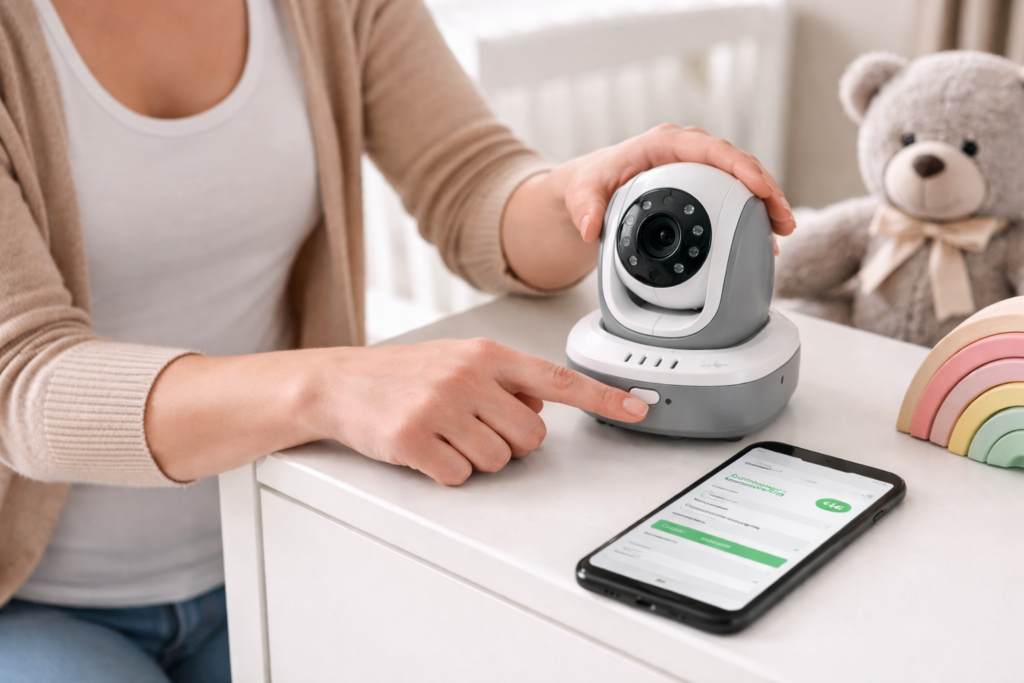
If you already have a WiFi baby monitor and want to reduce risk, here’s how:
1. Change Default Passwords
Make sure you use a strong, unique password.
2. Update Firmware Frequently
Manufacturers release patches that fix security flaws.
3. Use a Separate WiFi Network
Create a dedicated WiFi for IoT devices away from your personal devices.
4. Enable Two-Factor Authentication
If your monitor’s app supports it.
5. Disable Cloud Recording If Not Needed
Some features increase exposure for convenience.
WiFi vs Non-WiFi vs Audio-Only
Here’s a quick comparison:
| Type | Security | Convenience | Typical Cost |
|---|---|---|---|
| WiFi Monitor | 🔴 Higher risk | 🌐 Remote access | 💰💰 |
| Non-WiFi Monitor | 🟢 Low risk | 📍 Local only | 💰💰 |
| Audio-Only Monitor | 🟢 Very low risk | 📞 Local only sound | 💰💂 |
For parents who want maximum privacy and reliability, non-WiFi or audio-only models are typically the best.
SafeBabyLab Security Checklist
If you want to keep things simple, this is what we usually recommend at SafeBabyLab.
Change the default username and password as soon as you set up the monitor.
Make sure your home WiFi is secured with a strong password.
Keep your monitor and app updated regularly.
Turn off remote access if you don’t actually need it.
Avoid very cheap or unknown brands that don’t offer proper support.
If privacy is your top concern, consider using a non-WiFi monitor.
These steps cover the majority of real-world risks parents face.
FAQ
Can non-WiFi baby monitors be hacked?
Technically yes, but only from close range and under specific conditions. For most parents, this is extremely unlikely.
Are WiFi baby monitors safe in 2026?
They can be, as long as they are set up correctly and kept updated. They do carry more risk compared to non-WiFi models.
Should I stop using a baby monitor because of hacking concerns?
No. When used properly, baby monitors are safe and incredibly useful for parents.
Can someone watch my baby monitor feed?
Only if it’s connected to the internet and improperly secured not if it’s a non-WiFi or offline system.
Are non-WiFi baby monitors hack-proof?
No physical device is absolutely hack-proof, but non-WiFi systems are extremely difficult to access remotely.
Do cheaper monitors have more risk?
Often, yes lower-end WiFi models may have weaker security features.
Final Verdict
Yes, WiFi baby monitors can be hacked but the risk is manageable if you take steps to secure your home network and device settings.
If privacy is your priority, most parents will find that a non-WiFi baby monitor or audio-only system offers the simplest, most secure solution without the complexity of internet connectivity.
For detailed secure options, see: