How Baby Monitors Work: Cameras, Audio, Range and Signal Explained
How baby monitors work is something many parents wonder about when choosing a monitoring system for their nursery. Baby monitors allow parents to hear and see their baby while they are in another room, providing reassurance and helping caregivers respond quickly if the baby wakes. Although these devices appear simple, modern baby monitors rely on several technologies working together to transmit sound and video across the home.
Understanding how baby monitors work helps parents choose the right type of monitor for their needs. Some monitors transmit signals directly between devices, while others rely on home internet networks. The technology used influences signal range, privacy, and reliability.
Many parents prefer systems explained in our complete guide to baby monitors without wifi because these devices transmit signals directly between the baby unit and the parent unit without relying on internet connections. Understanding the technology behind these systems helps families choose a monitor that fits their home environment.
This guide explains how baby monitors work, the technologies used for transmission, and the features that make modern baby monitors reliable monitoring tools.
The Basic Components of a Baby Monitor
Most baby monitors consist of two primary components that communicate with each other.
Baby Unit
The baby unit is placed in the nursery and captures audio or video from the baby’s environment. Depending on the monitor type, the baby unit may include:
- a camera
- a microphone
- night vision sensors
- temperature sensors
- wireless transmitters
This device sends information from the nursery to the parent unit.
Parent Unit
The parent unit is the receiver used by caregivers. It typically includes:
- a display screen
- speakers
- volume controls
- battery power
- signal receivers
Some systems use dedicated handheld monitors, while others connect to smartphones.
The communication between these two components allows parents to monitor their baby from another room.
How Baby Monitors Work Using Wireless Signals
How baby monitors work depends largely on the wireless signals used to transmit audio and video. Most modern monitors rely on radio frequency communication to send signals between the baby unit and the parent unit.
When the camera or microphone captures sound or movement, the baby unit converts that information into a digital signal. This signal is then transmitted wirelessly to the parent unit.
Once the signal reaches the receiver, the monitor converts it back into audio or video that parents can hear or see.
This process occurs almost instantly, allowing parents to observe their baby in real time.
Wireless communication allows baby monitors to operate without physical cables connecting the two devices.
Analog vs Digital Baby Monitor Technology
Early baby monitors relied on analog radio signals. These signals were simple and effective but sometimes experienced interference from other wireless devices.
Analog Monitors
Analog monitors transmit sound using continuous radio signals. These systems are easy to produce but may experience signal interference from other electronics.
Digital Monitors
Modern baby monitors use digital communication technology. Digital monitors convert sound and video into data packets that transmit more securely.
Digital systems provide:
- clearer audio
- improved privacy
- reduced interference
- stronger signal stability
Most modern baby monitors now use digital communication methods.
FHSS Technology Explained
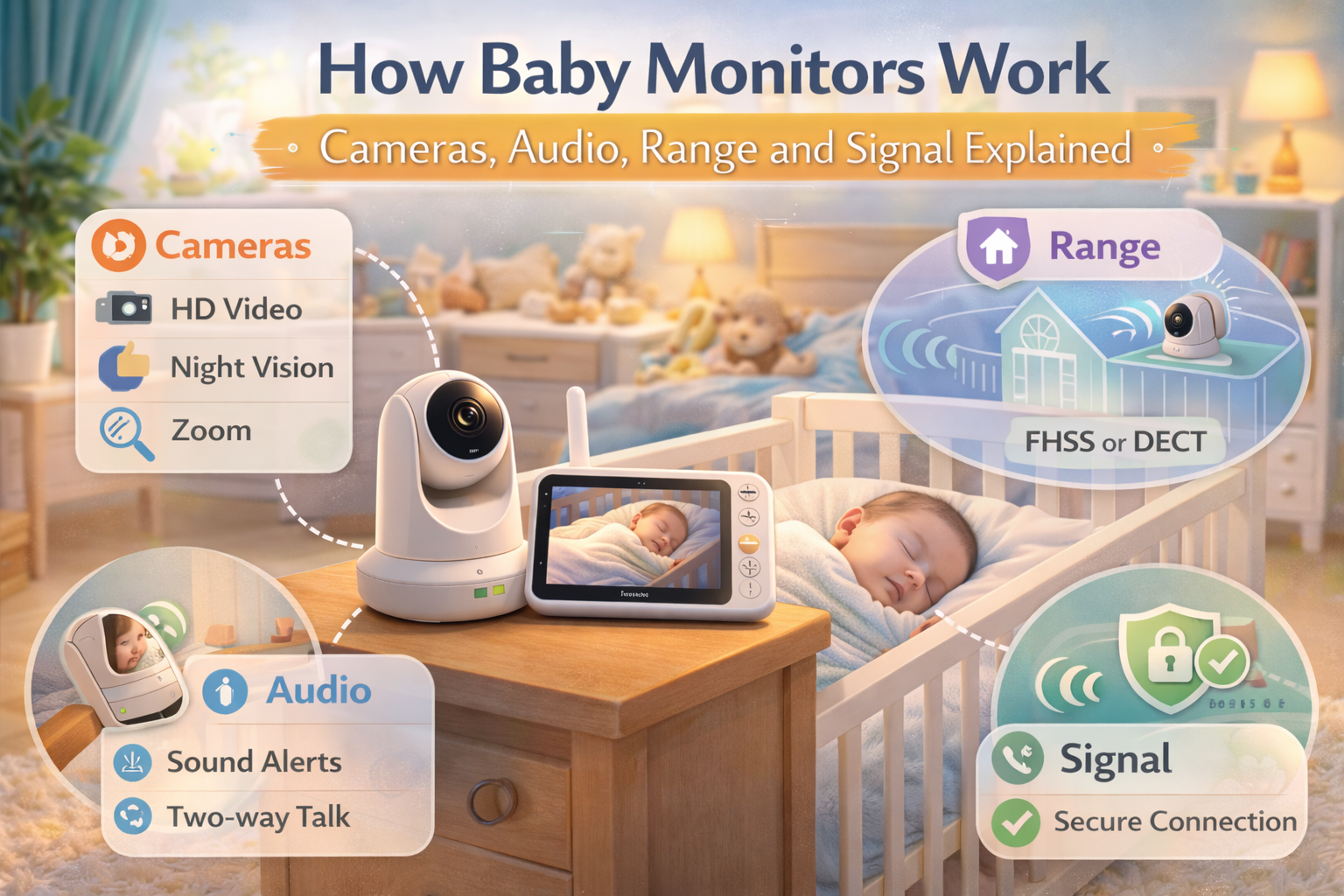
Many baby monitors use a communication method called Frequency Hopping Spread Spectrum.
This technology rapidly switches transmission frequencies many times per second. By hopping between channels, the monitor avoids interference from other wireless devices.
Benefits of FHSS technology include:
- improved signal reliability
- stronger privacy
- reduced interference
- stable audio and video transmission
Because FHSS monitors transmit signals directly between devices, many parents consider them safer alternatives to internet connected systems.
Parents often explore models using this technology in our best baby monitor long range guide because FHSS systems maintain stable connections across larger homes.
How Video Baby Monitors Transmit Images
Video baby monitors include cameras that capture images of the nursery.
The camera records video frames and converts them into digital data. This data then travels wirelessly to the parent unit where it appears on the display screen.
Modern monitors may include features such as:
- high definition video
- night vision cameras
- digital zoom
- wide angle viewing
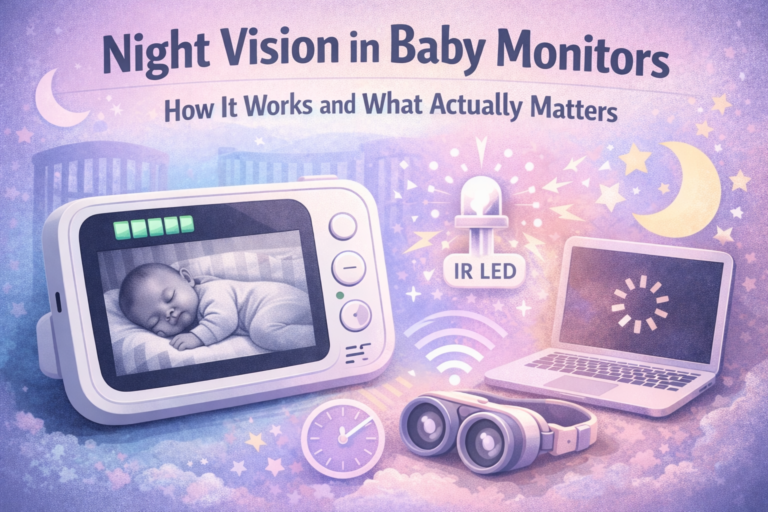
Night vision allows parents to monitor their baby even in dark rooms. Infrared sensors detect movement and produce images without visible light.
This allows babies to sleep in dark environments recommended in nursery lighting for baby sleep while still allowing parents to observe the crib.
Audio Monitoring and Sound Detection
Audio monitoring remains one of the most important functions of baby monitors.
Microphones inside the baby unit capture sound within the nursery. The device then transmits this audio to the parent receiver.
Parents can hear:
- crying
- movement sounds
- coughing
- subtle sleep noises
Many monitors allow parents to adjust sound sensitivity to reduce background noise.
Some monitors also include two way audio, allowing parents to speak through the device to soothe the baby.
How Monitor Range Works
Range describes the maximum distance a monitor signal can travel between the baby unit and the parent unit.
Manufacturers usually test monitors in open environments without obstacles. In these ideal conditions, signals may travel several hundred feet.
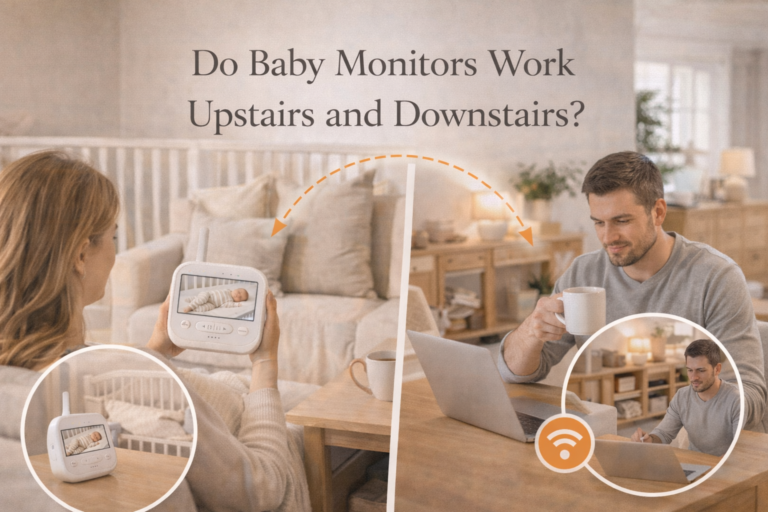
Inside homes, walls and floors reduce signal distance.
Factors that affect range include:
- wall materials
- floor levels
- furniture
- electronic interference
Parents interested in extended coverage often research models discussed in best baby monitor long range, which are designed to maintain stronger signals across large houses.
Testing range inside the home helps confirm monitor reliability.
WiFi Baby Monitors vs Non WiFi Monitors
Modern baby monitors fall into two main categories based on how they transmit signals.
WiFi Monitors
WiFi monitors connect to the home internet network and transmit video through smartphone apps.
Advantages include:
- remote viewing outside the home
- cloud storage
- smartphone notifications
However, WiFi monitors depend on internet stability.
Non WiFi Monitors
Non WiFi monitors transmit signals directly between the baby unit and parent unit.
Advantages include:
- stronger privacy
- consistent local signals
- easier setup
- independence from internet outages
Many parents choose this type of monitor for reliability and simplicity.
Environmental Monitoring Features
Some baby monitors include sensors that measure conditions inside the nursery.
These sensors may track:
- room temperature
- humidity
- sound levels
- motion
Environmental monitoring helps parents observe how nursery conditions influence sleep.
For example, humidity levels discussed in baby room humidity for sleep can influence breathing comfort and sleep stability.
Combining environmental monitoring with video observation helps parents better understand sleep patterns.
Camera Placement and Monitoring Visibility
Camera placement affects how well parents can observe the baby.
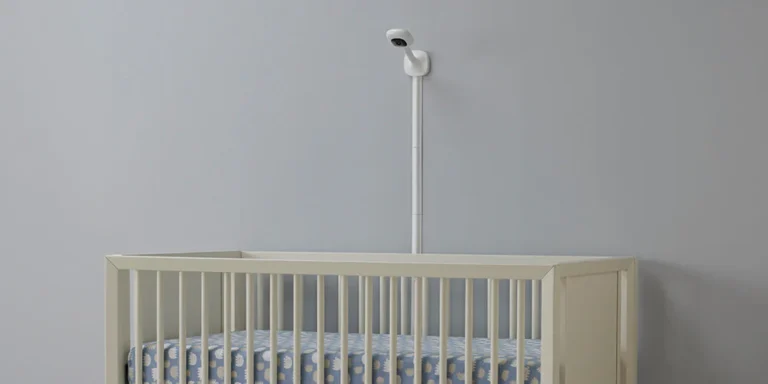
The camera should be positioned so that the entire crib remains visible.
Parents often achieve the best results by mounting the camera:
- above crib height
- on the wall opposite the crib
- angled downward toward the mattress
Parents who follow recommendations in baby monitor placement guide often improve visibility and signal stability.
Proper placement also prevents cables from becoming safety hazards.
Battery Life and Parent Unit Portability
Parent units usually operate on rechargeable batteries.
Battery life varies depending on:
- screen size
- video usage
- signal strength
- monitor settings
Many monitors allow parents to carry the parent unit throughout the house while maintaining connection with the nursery camera.
Portability allows caregivers to continue daily tasks while monitoring the baby.
Why Baby Monitors Are Useful for Parents
Baby monitors provide reassurance and awareness during sleep periods.
Parents use monitors to:
- observe sleep movement
- detect early waking
- monitor breathing motion
- check the baby without entering the room
This allows parents to respond quickly if the baby wakes or becomes uncomfortable.
Monitoring also helps maintain a calm sleep environment because parents can check on the baby without turning on lights or opening doors.
Final Thoughts
Understanding how baby monitors work helps parents choose a monitoring system that fits their home environment and privacy preferences. Baby monitors use wireless communication technology to transmit sound and video from the nursery to the parent unit. These signals allow parents to observe their baby safely without disturbing sleep.
Modern baby monitors combine cameras, microphones, wireless transmitters, and environmental sensors to provide clear monitoring. When used with proper placement and reliable equipment, baby monitors offer a simple and effective way for parents to stay connected with their baby during sleep.
Frequently Asked Questions
How do baby monitors transmit sound and video?
Baby monitors convert audio and video into wireless signals that transmit from the baby unit to the parent unit.
Do baby monitors need internet to work?
No. Many monitors transmit signals directly between devices without internet connections.
What technology do baby monitors use?
Most modern monitors use digital communication technologies such as FHSS.
How far can baby monitors transmit signals?
Range varies depending on monitor type and home layout, but many monitors can reach several hundred feet.
Are baby monitors difficult to set up?
Most monitors are designed for simple setup and begin working once both units are powered on.