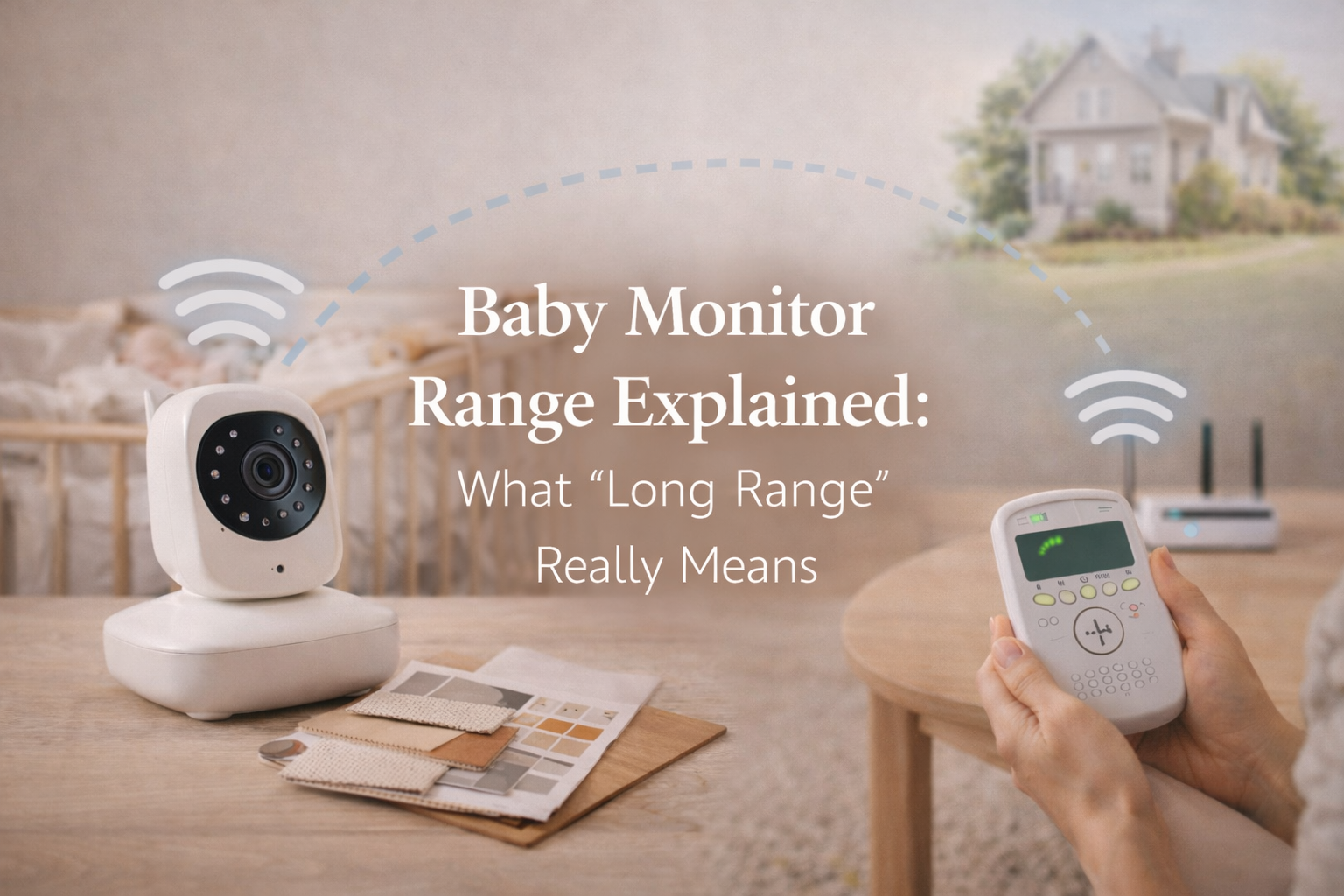
Baby Monitor Range Explained: What “Long Range” Really Means
Baby monitor range is one of the first specs parents look at when shopping for a monitor, especially if they live in a larger home, have a backyard, or plan to use the monitor while doing chores in another room. Most product listings make range sound simple: 800 feet, 1,000 feet, even 1,500 feet. But the truth is, range claims are often based on conditions that almost never exist in real homes.
That’s why so many parents buy a “long range” baby monitor and still end up dealing with disconnects, choppy audio, or a frozen video feed the moment they walk upstairs or step outside. Understanding what range really means and what affects it can save you a lot of frustration and help you choose a monitor that works for your actual layout, not a marketing scenario.
This guide breaks down how baby monitor range is measured, why “long range” can be misleading, and how to realistically evaluate what you need.
Why Baby Monitor Range Numbers Can Be Misleading
If you’ve ever read a baby monitor box that says “up to 1,000 ft,” you may assume you can walk 1,000 feet away and still get a stable signal. But that number is almost always tested in an open outdoor space with no interference.
Manufacturers typically measure range under “line-of-sight” conditions. That means the baby unit and parent unit are placed outdoors, with no walls, no furniture, no electrical devices nearby, and no competing wireless signals.
In real life, your baby monitor isn’t working in a wide open field. It’s working in a house full of obstacles: drywall, brick, concrete, mirrors, appliances, WiFi routers, and even plumbing. Every one of those things reduces range dramatically.
The important point is that baby monitor range is not a fixed number. It’s a best-case estimate that rarely matches indoor performance.
What “Long Range” Really Means for Baby Monitors
“Long range” is not an official standard. It’s a marketing phrase, and companies use it differently.
In practical terms, a long range baby monitor usually means one of these things:
- It uses a stronger radio signal (often DECT or FHSS technology)
- It has a higher advertised maximum range (usually 900–1,500 ft)
- It maintains a stable connection through a few interior walls
- It works reliably across multiple floors in a typical home
But “long range” does not mean the signal will remain perfect through thick concrete walls or from the far end of a large backyard. It also doesn’t mean video will stay smooth at maximum distance. Video feeds require more data than audio, so video range is usually weaker than audio range even on the same device.
In other words, a monitor can be labeled long range and still struggle if your home layout is challenging.
Baby Monitor Range Explained: Line-of-Sight vs Real Home Use
The most important distinction parents should understand is the difference between line-of-sight range and real-world indoor range.
Line-of-sight range
This is the maximum range the monitor can achieve in perfect conditions. The signal travels freely without obstacles. If a monitor claims 1,000 feet, it usually means 1,000 feet line-of-sight.
Indoor range
Indoor range is always shorter. Even a very strong monitor may drop to 100–300 feet indoors depending on what the signal has to pass through.
Multi-floor range
If your baby’s room is upstairs and you spend time downstairs, you’re asking the signal to pass through ceilings, floors, and often heavy support beams. Range drops significantly in these situations.
Most parents don’t need a monitor that works 1,000 feet away. They need one that works reliably from the nursery to the kitchen, living room, and maybe outside on a patio. That’s why indoor performance matters far more than the advertised number.
What Affects Baby Monitor Range the Most?
Several common household factors have a bigger impact on range than parents realize.
Walls and building materials
Drywall is usually manageable, but brick and concrete are range killers. Older European-style homes and some newer builds with reinforced materials can block signals heavily.
Even inside standard homes, certain walls are more disruptive, especially if they contain metal framing, insulation with foil backing, or pipes.
Floors and ceilings
Going between floors is often harder than going across a hallway. The signal must pass through layers of wood, wiring, and sometimes steel.
If you live in a townhouse or multi-level home, range becomes a major deciding factor.
WiFi routers and smart devices
WiFi monitors share your wireless environment with routers, phones, tablets, smart TVs, baby sound machines, and even smart lights. This can lead to interference or lag.
Even non-WiFi monitors can experience interference from devices operating on similar frequencies.
Microwaves and appliances
It sounds strange, but microwaves can disrupt wireless signals when running. So can cordless phones, Bluetooth speakers, and some older security systems.
Outdoor use and weather
If you plan to use your monitor outside, even a glass door can weaken the signal. Thick exterior walls, metal doors, and insulation reduce range even more. Humidity and rain can also affect performance slightly.
Audio Monitors vs Video Monitors: Which Has Better Range?
In general, audio-only baby monitors have better range than video monitors. The reason is simple: audio uses less data and can travel more efficiently over weaker signals.
Video monitors require more bandwidth. If the signal weakens, video may freeze or become pixelated long before audio cuts out. Some monitors keep audio running even when video drops.
Parents sometimes interpret this as “the monitor still works,” but for video monitoring, a frozen image can be stressful. You might not know if your baby moved, woke up, or rolled into an uncomfortable position.
If range is your top concern, you may want to prioritize models known for stable transmission rather than models with the fanciest camera features.
For a full breakdown of monitor types and what each is best for, this is covered in more depth in Baby Monitors: The Complete Guide for Parents.
WiFi vs Non-WiFi Monitors: Which Gives Better Range?
This is where things get confusing for parents.
Non-WiFi monitors (FHSS or DECT)
These monitors communicate directly between the camera and the parent unit. They often provide more predictable range inside the home, because they do not depend on your internet router.
If your house has WiFi dead zones, a non-WiFi monitor may still work fine.
WiFi monitors
WiFi monitors depend heavily on your router strength and your home’s WiFi coverage. If your nursery has weak WiFi, your monitor’s video feed may lag or drop entirely.
The advantage is that WiFi monitors can work from anywhere if your connection is strong. But they are not always better for “long range” inside the home unless you have excellent WiFi coverage.
This is why many parents who want a reliable connection choose non-WiFi models, especially for night use.
If you want a shortlist of stable non-WiFi models, you can explore Best Baby Monitor Without WiFi, which focuses specifically on monitors that avoid internet-based issues.
What Range Do Most Parents Actually Need?
For most families, the question isn’t “How far can I go?” but “Where will I realistically use it?”
A typical home scenario looks like this:
- Nursery upstairs
- Parent in living room downstairs
- Parent occasionally in kitchen
- Parent sometimes in backyard or patio
In this case, the monitor needs to handle:
- At least two floors
- Several interior walls
- Possible outdoor use through a door or window
A monitor rated for 1,000 feet line-of-sight might handle this well, but only if it’s built with strong indoor transmission.
A monitor rated for 800 feet could outperform a 1,500-foot model if the signal is more stable and better optimized for indoor use.
So instead of chasing the biggest number, parents should look for real-world reviews and specific mentions of multi-floor reliability.
How to Test Baby Monitor Range in Your Home
If you already have a monitor and you’re unsure whether it’s “good enough,” testing it properly can give you a clear answer.
Start by placing the baby unit in the nursery exactly where you plan to use it. Then walk around your home with the parent unit or phone app.
Test these locations:
- Kitchen (especially near appliances)
- Bathroom (often has pipes and thick walls)
- Basement (if applicable)
- Garage
- Backyard or patio
- Upstairs hallway
- Your bedroom at night
Pay attention not just to whether the signal works, but whether video stays smooth and audio stays clear.
Also test at night. Some monitors behave differently when WiFi traffic is higher, such as when family members are streaming video or gaming.
If you experience drops, you may need to reposition the camera or move your router (for WiFi monitors). Even small adjustments can improve performance dramatically.
Tips to Improve Baby Monitor Range Without Buying a New One
Sometimes, a weak signal doesn’t mean you need a new monitor. A few changes can help.
Adjust camera placement
Avoid placing the camera directly behind a crib frame, near metal furniture, or close to thick walls. Mounting the camera higher often improves range.
Reduce interference
Move the monitor away from WiFi routers, cordless phone bases, and Bluetooth devices. If your monitor is near a TV or speaker, try relocating it.
Upgrade WiFi coverage (for WiFi monitors)
A mesh WiFi system can make a huge difference if your nursery has poor signal. Many WiFi baby monitor issues are actually WiFi coverage problems.
Keep firmware updated
Some monitors improve stability through updates. If your monitor has an app, check for firmware updates in settings.
Use a lower video quality mode
Some WiFi monitors allow lower resolution streaming. This reduces data load and can prevent freezing.
Range and Safety: Does Distance Affect Baby Monitoring Quality?
Parents sometimes worry that if the monitor loses signal, it becomes unsafe. That fear is understandable, especially with newborns.
But it’s important to remember that a baby monitor is a convenience tool, not a medical device. A stable monitor can help you respond quickly, but it doesn’t replace safe sleep practices.
If you’re using a monitor to support night routines and better rest, it helps to build habits that reduce anxiety, not increase it. Many parents find that focusing on a consistent bedtime environment matters more than obsessing over signal strength.
If you’re working on building healthier nighttime patterns, Baby Sleep & Night Care: A Practical Guide for New Parents is a useful companion resource, because it explains what matters most during night care beyond the tech.
Final Thoughts
Baby monitor range sounds like a simple number, but in real life, it’s shaped by walls, floors, WiFi interference, and home layout. “Long range” doesn’t mean the same thing for every brand, and the biggest advertised distance is often less important than real indoor reliability.
The best baby monitor is not the one with the highest range on paper. It’s the one that stays connected where you actually live from nursery to kitchen to bedroom without giving you constant anxiety.
When you understand what range really means, you can choose a monitor that supports your parenting life instead of complicating it.
FAQ
What is a good baby monitor range for a two-story house?
A good baby monitor range for a two-story home is one that reliably works through floors and multiple walls. Many parents find monitors rated at 900–1,000 feet line-of-sight perform well indoors, but real-world performance depends on construction materials.
Why does my baby monitor lose signal even though it claims 1,000 ft range?
Because the advertised range is tested outdoors in line-of-sight conditions. Walls, floors, and interference can reduce indoor range significantly, sometimes to 100–300 feet.
Do WiFi baby monitors have better range than non-WiFi monitors?
Not always. WiFi monitors depend on your home WiFi coverage. If your router signal is weak in the nursery, performance may be worse than a dedicated non-WiFi monitor.
Can baby monitors work outside in the backyard?
Some can, but outdoor use depends on how far you are from the baby unit and how many exterior walls or doors the signal must pass through. Even a glass door can reduce range.
How can I improve baby monitor range without replacing it?
You can improve range by repositioning the camera, reducing wireless interference, keeping devices updated, and upgrading WiFi coverage if you use a WiFi monitor.